Windows app · Audio, video & voice
Subtitle Studio AI
Generate, edit, style and burn in subtitles offline — SRT, VTT, ASS.
About Subtitle Studio AI
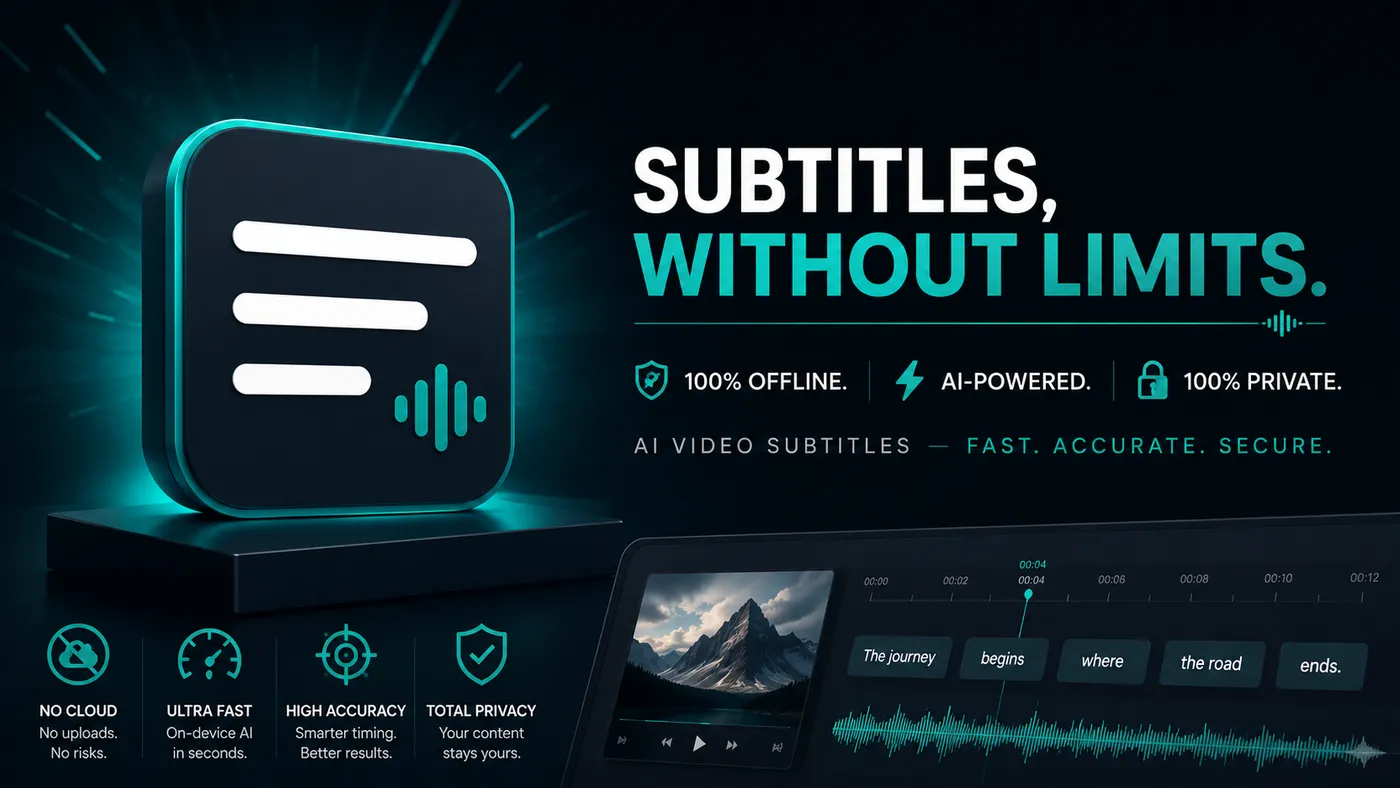
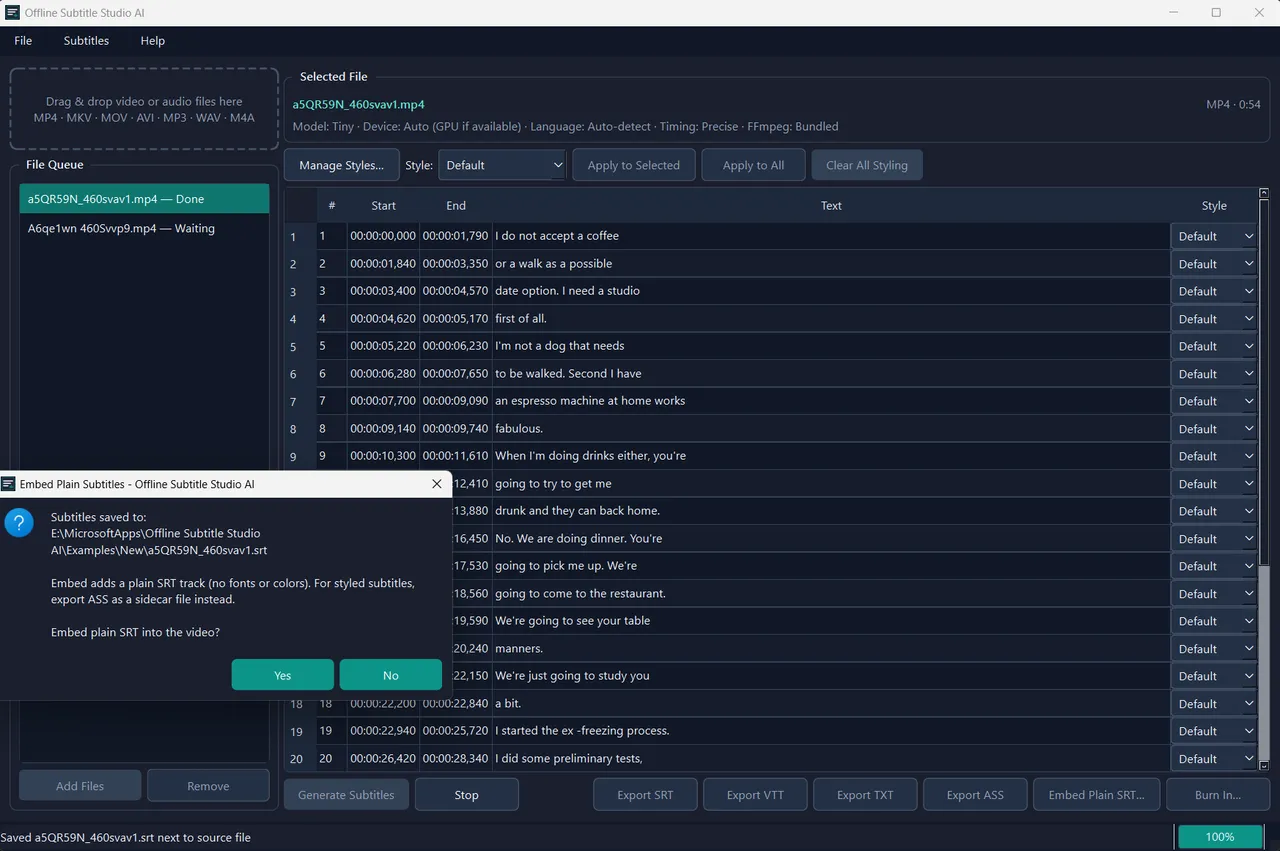
Offline Subtitle Studio AI turns your videos and audio into clean, editable subtitles using on-device AI speech recognition powered by faster-whisper. Everything runs locally on your PC, so your files stay private. Drag in a file, generate captions, fine-tune timing and text in an editable cue table, apply ASS style presets, then export to SRT, VTT, TXT, or styled ASS — save a sidecar file that loads automatically in players like VLC, embed a subtitle track, or burn styled subtitles into a new video (your original is never modified). A compact model is bundled for fully offline first use; optional larger models (Base, Small, Medium, Large-v2) download once from Hugging Face, then run offline. CPU by default with optional NVIDIA GPU (CUDA) acceleration. One-time purchase — no subscription, no ads, no account. Windows 10/11 (build 17763+).
Highlights
- Offline AI transcription via faster-whisper (CTranslate2) — media never leaves your PC
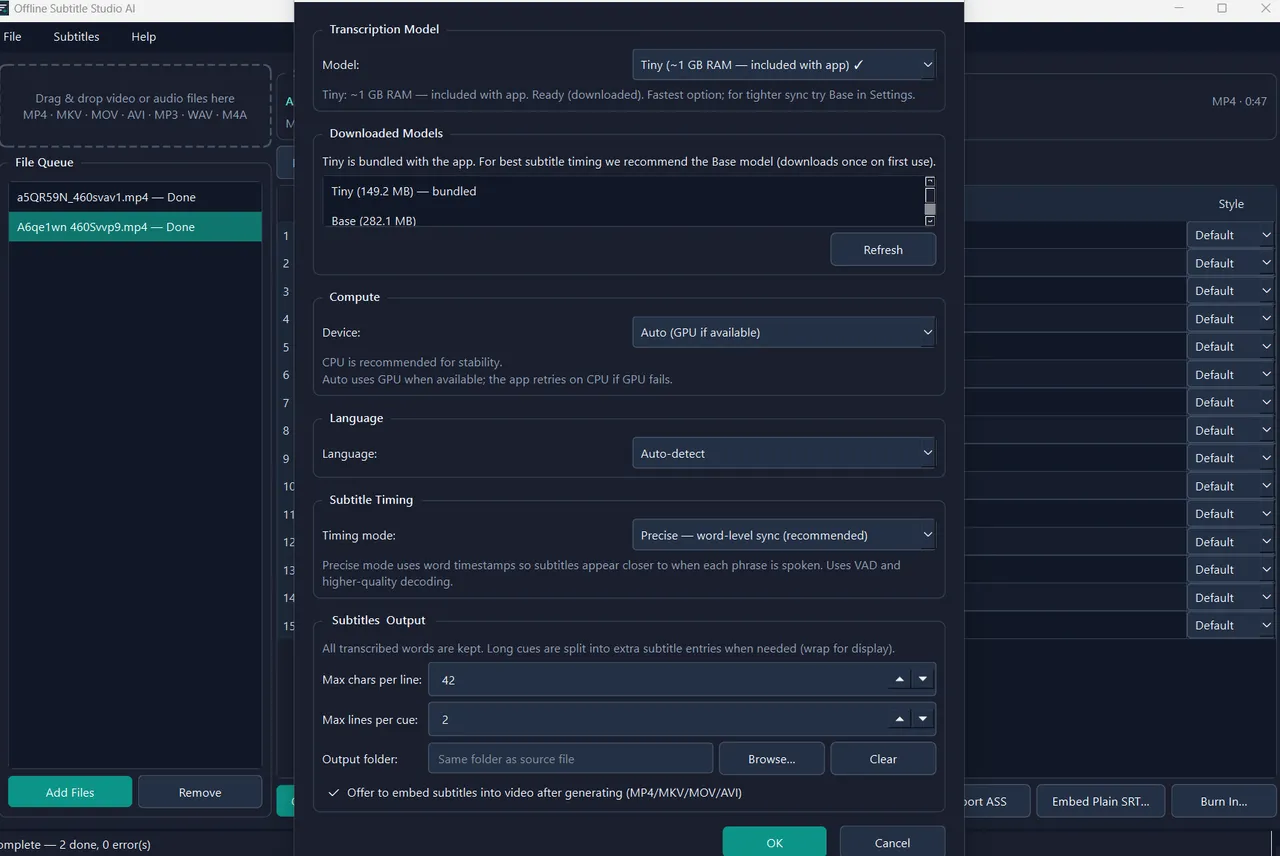
- Bundled compact model works offline on first launch; larger models optional, one-time download
- CPU by default with optional NVIDIA GPU (CUDA) acceleration
- Word-level “Precise” timing for tight, natural cue breaks
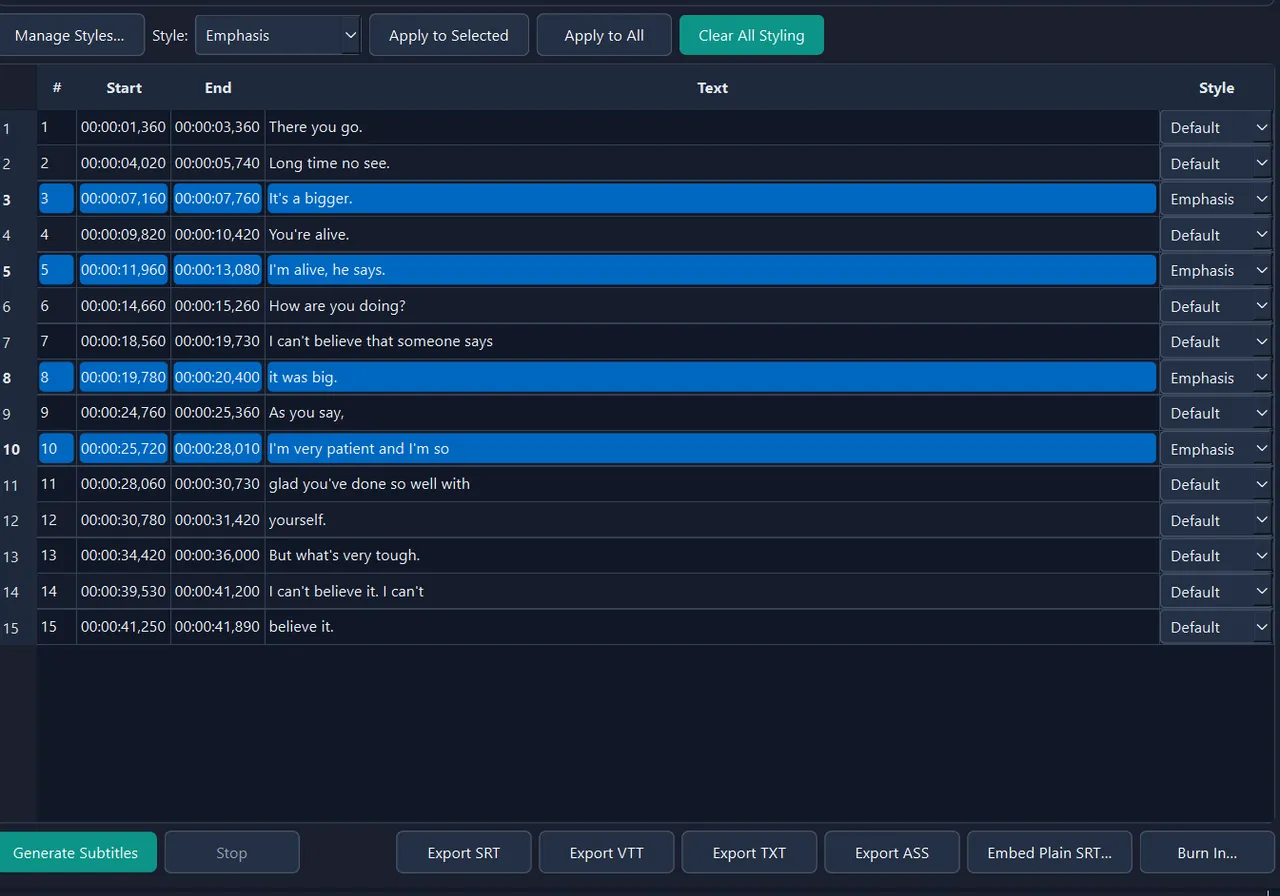
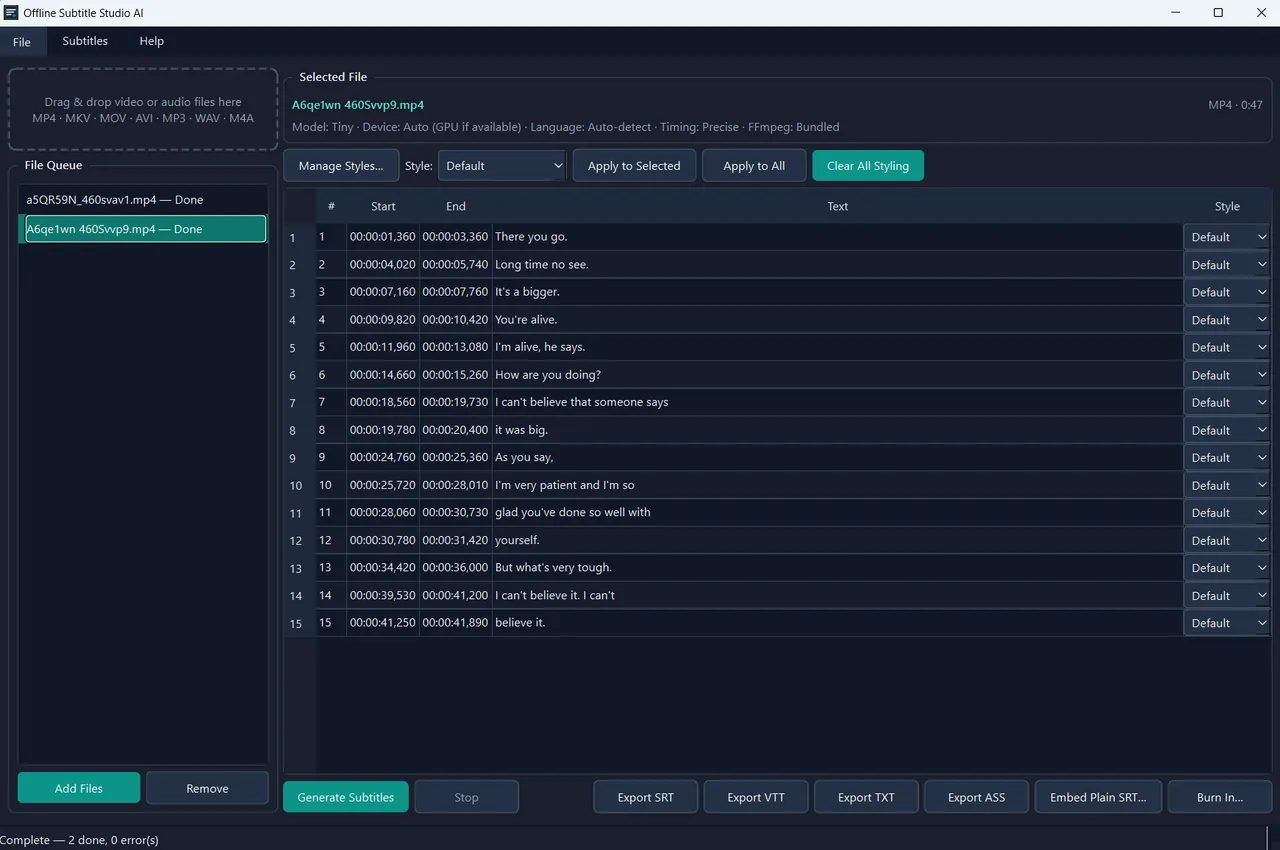
- Editable cue table plus batch queue for multiple files
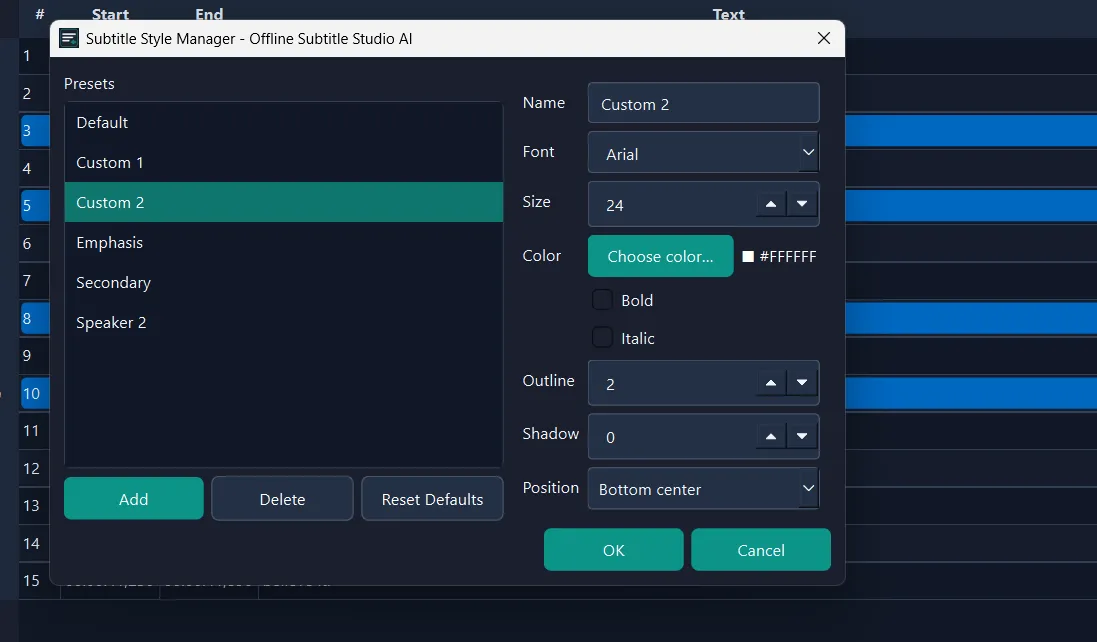
- ASS styling presets — font, size, color, outline, position via Style Manager
- Export to SRT, VTT, TXT, ASS — sidecar, embedded track, or burn-in to a new video
- One-time purchase — no subscription, no ads, no account, no telemetry
Screenshots
More audio, video & voice
- Windows
Whispering Notes AI
Transcribe audio and video to text offline with Whisper — 90+ languages.
Microsoft StoreView app - Windows

Story Narrator AI
Offline text-to-speech with natural AI voices, ambience and audio export.
Microsoft StoreView app - Windows

Slumber Studio
Turn a script into a 90-minute sleep story or guided meditation, offline.
Microsoft StoreView app