
Android app · Photos & images
ShrinkForge
Android: compress photos to an exact size, resize and convert — no permissions, no ads.
About ShrinkForge
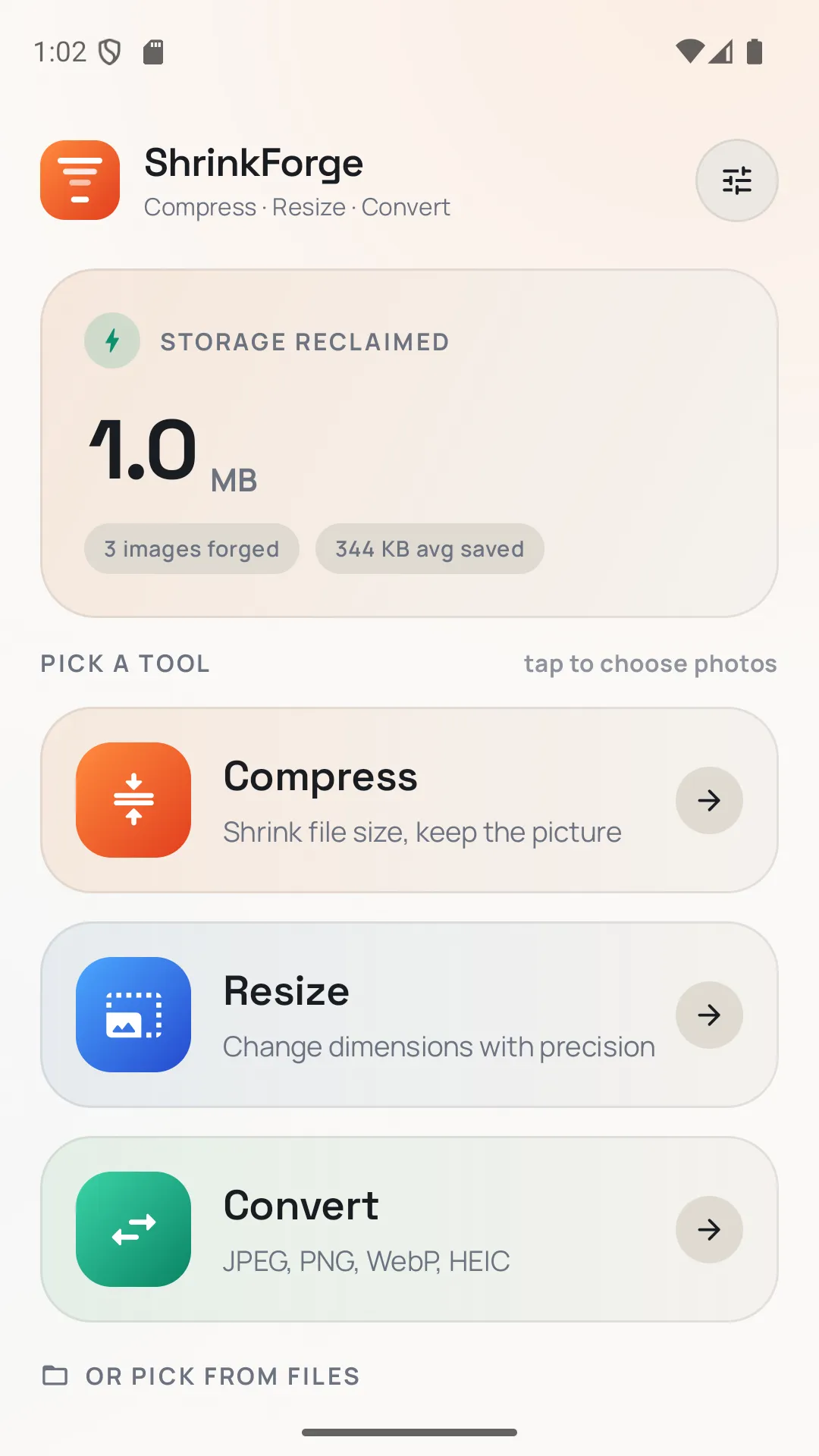
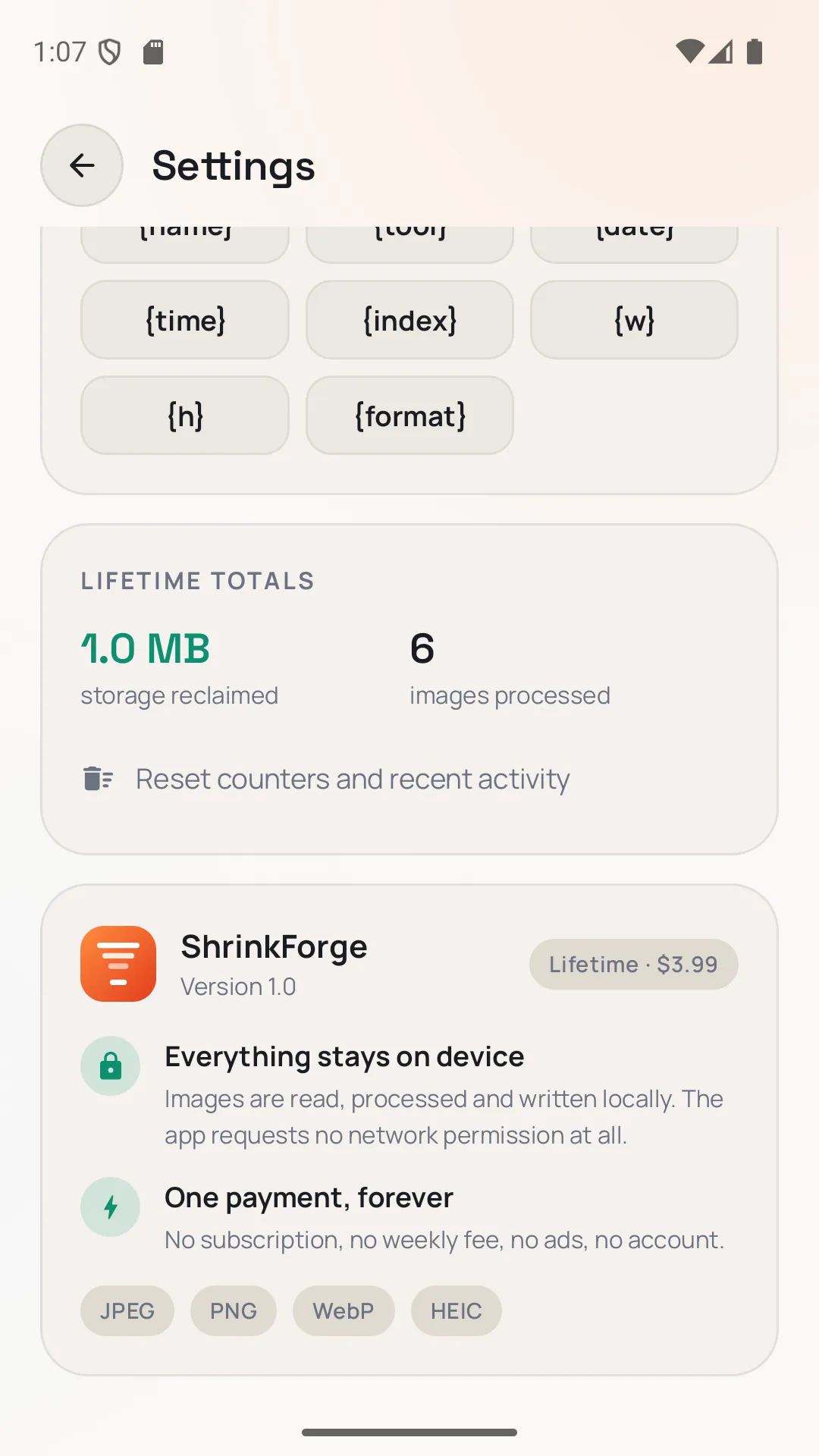
Three buttons. That's the whole app. Compress, resize, and convert photos on your phone — no sign-in, no subscription, no ads, and nothing is ever uploaded. ShrinkForge requests no Android permissions at all, including no internet access. Photos are chosen through the Android photo picker, so the app only ever sees the images you hand it. One payment. You buy it once and it keeps working.
Highlights
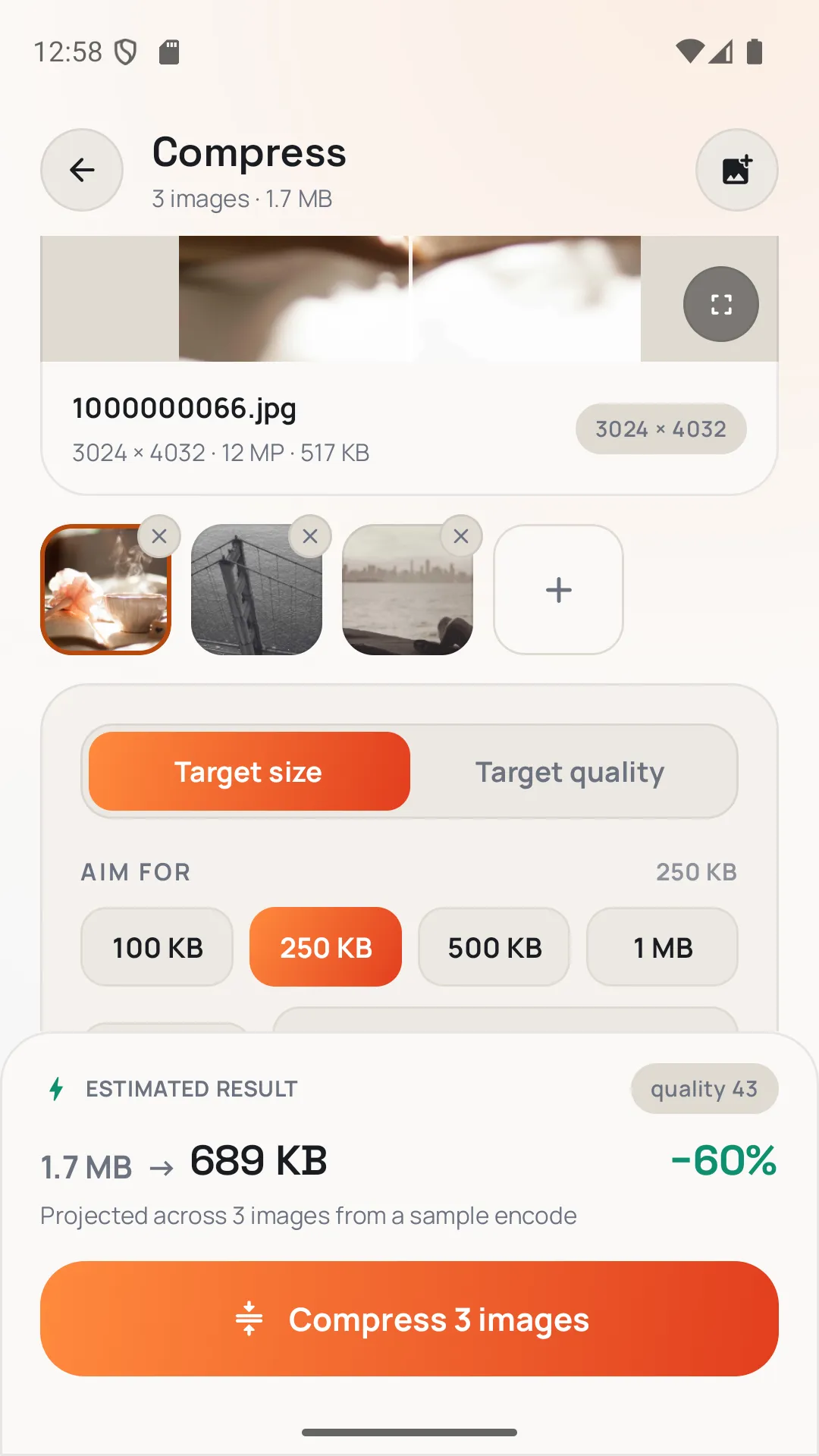
- Compress to a target size (100 KB, 250 KB, 500 KB, 1 MB, or your own number) or set quality with Light / Balanced / Strong / Extreme presets
- Live estimate from a real encode of your photo before you commit
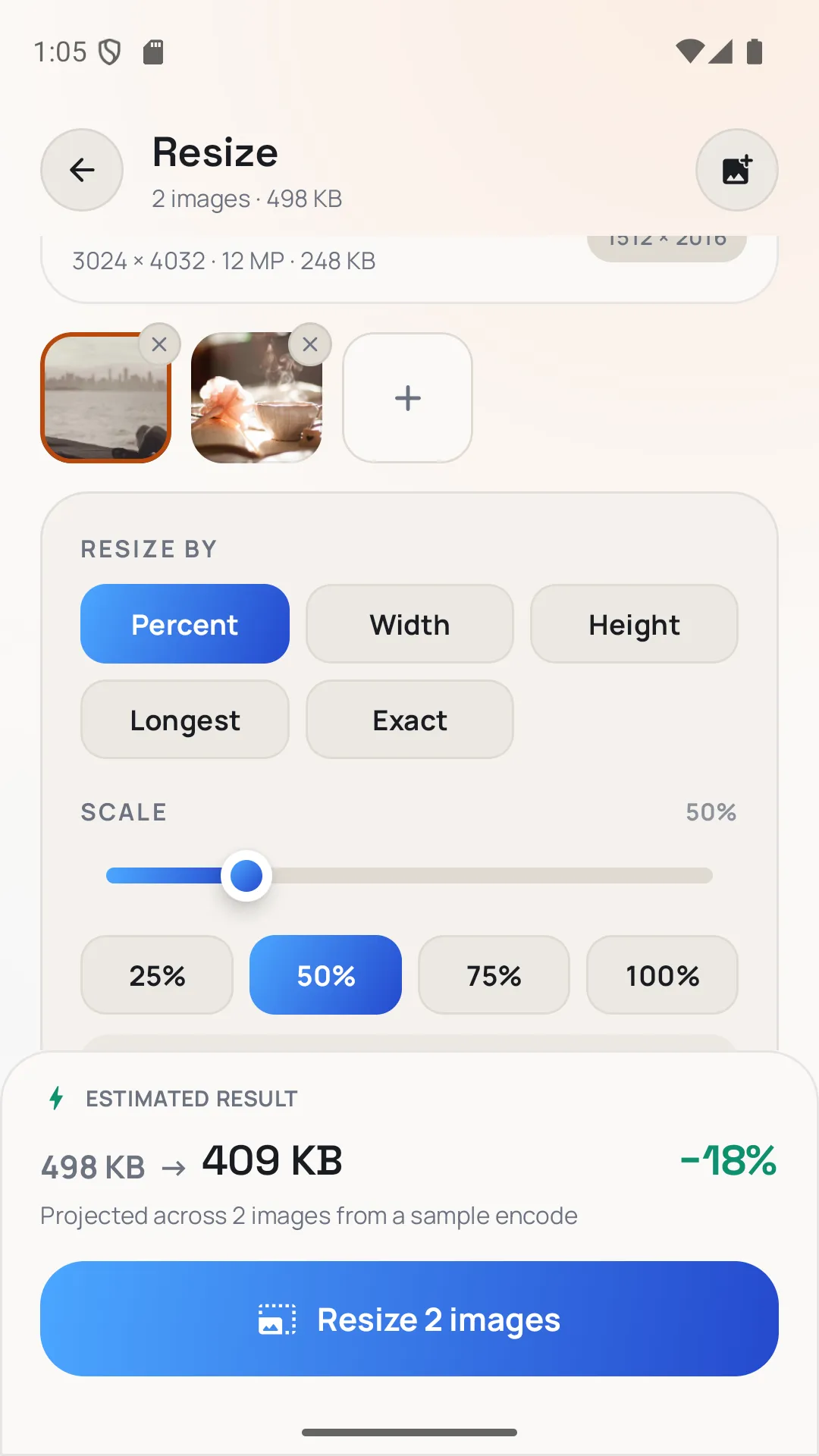
- Resize by percentage, width, height, longest edge, or an exact size — with print density at 72, 150, or 300 DPI
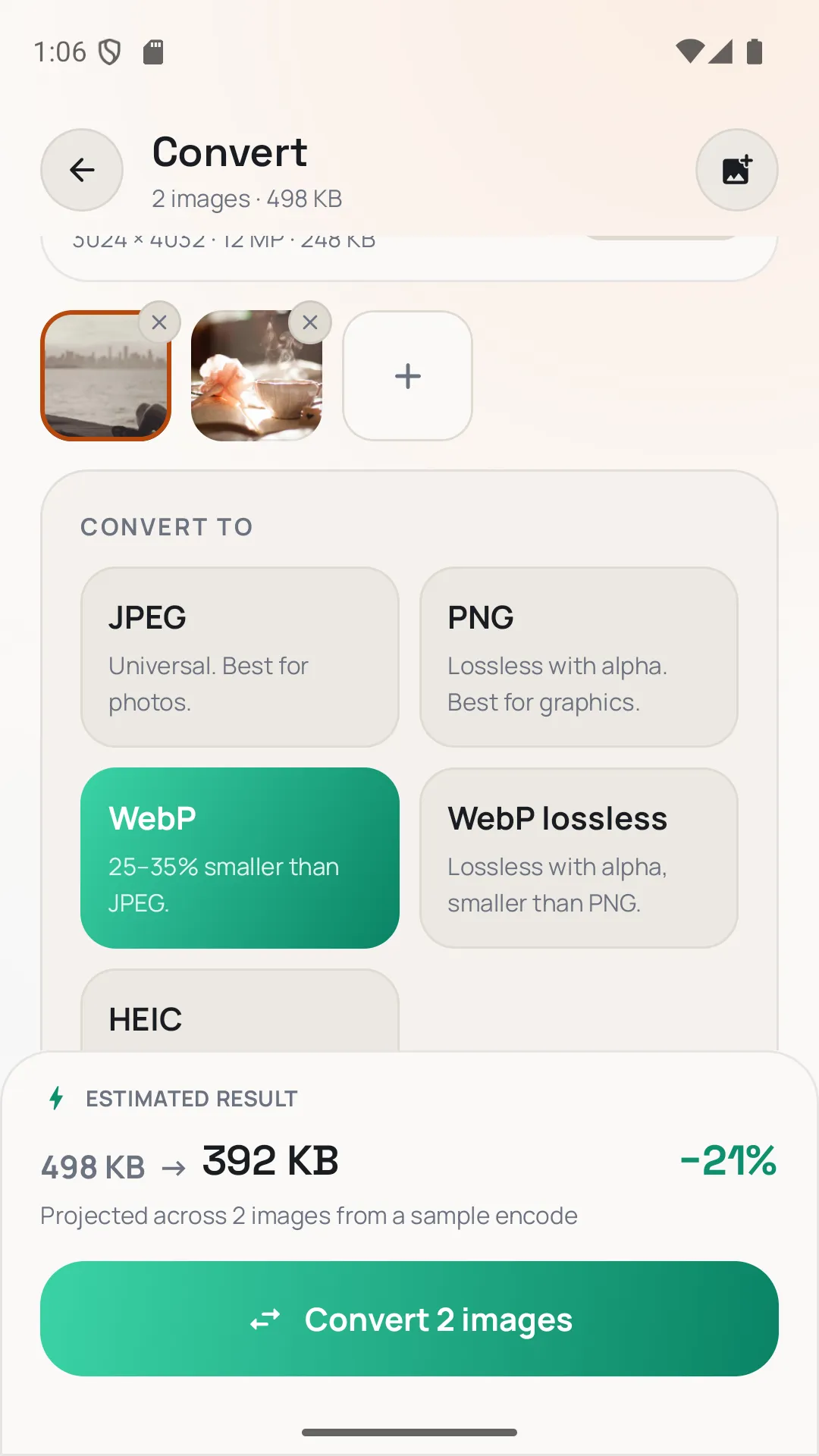
- Convert between JPEG, PNG, WebP, and WebP lossless (HEIC on devices with a hardware encoder)
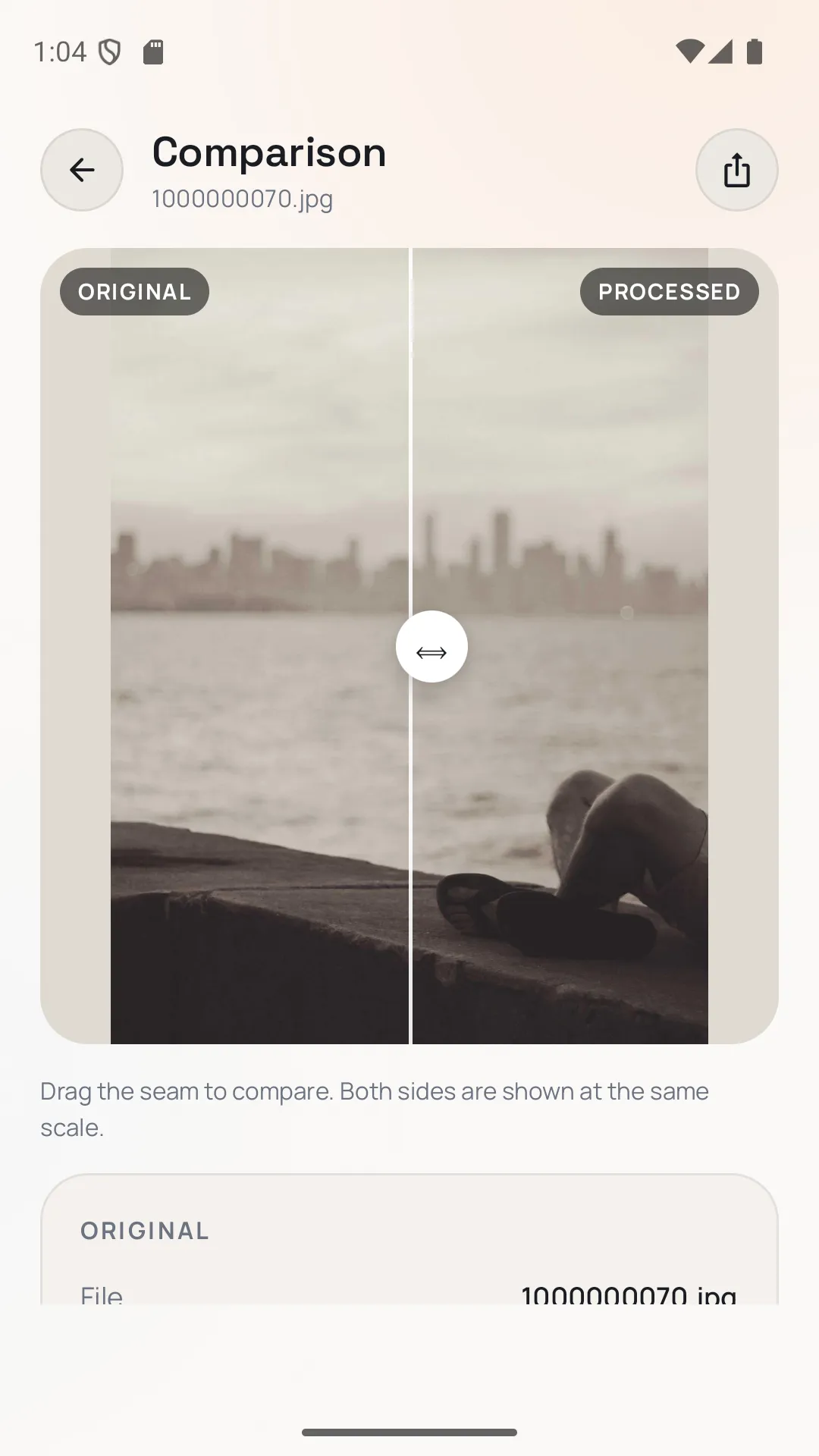
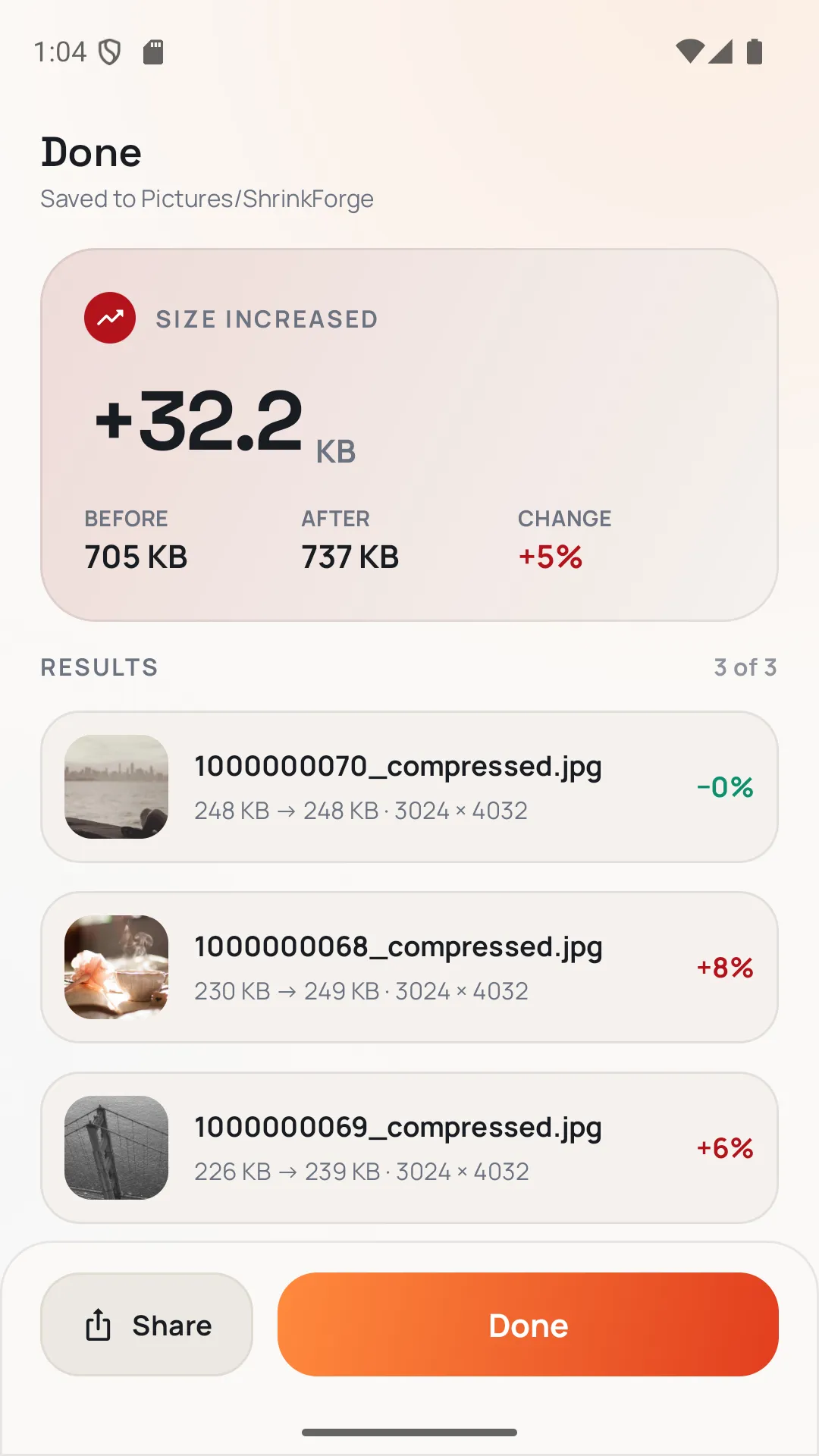
- Batch processing, before/after preview with a draggable seam, and keep-or-strip EXIF (including GPS)
- Save a copy into Pictures/ShrinkForge or replace the original; share results to any app
- No Android permissions, no internet, no analytics, no ads, no account
Screenshots
More photos & images
- Windows

BatchLens Pro
Convert, resize, rename and clean whole photo folders — HEIC, AVIF, WebP and more.
Microsoft StoreView app - Windows

Upscale Studio
AI photo enlarger — upscale 2x, 3x or 4x on your own PC, in batches.
Microsoft StoreView app - Windows

Bulk Photo Watermark & Metadata Remover
Strip GPS and EXIF data and watermark hundreds of photos in one click.
Microsoft StoreView app