
Windows app · Audio, video & voice
Audio Fix Batch Converter
Batch convert MP3, WAV, FLAC, AAC, OGG and WMA with bitrate control.
About Audio Fix Batch Converter
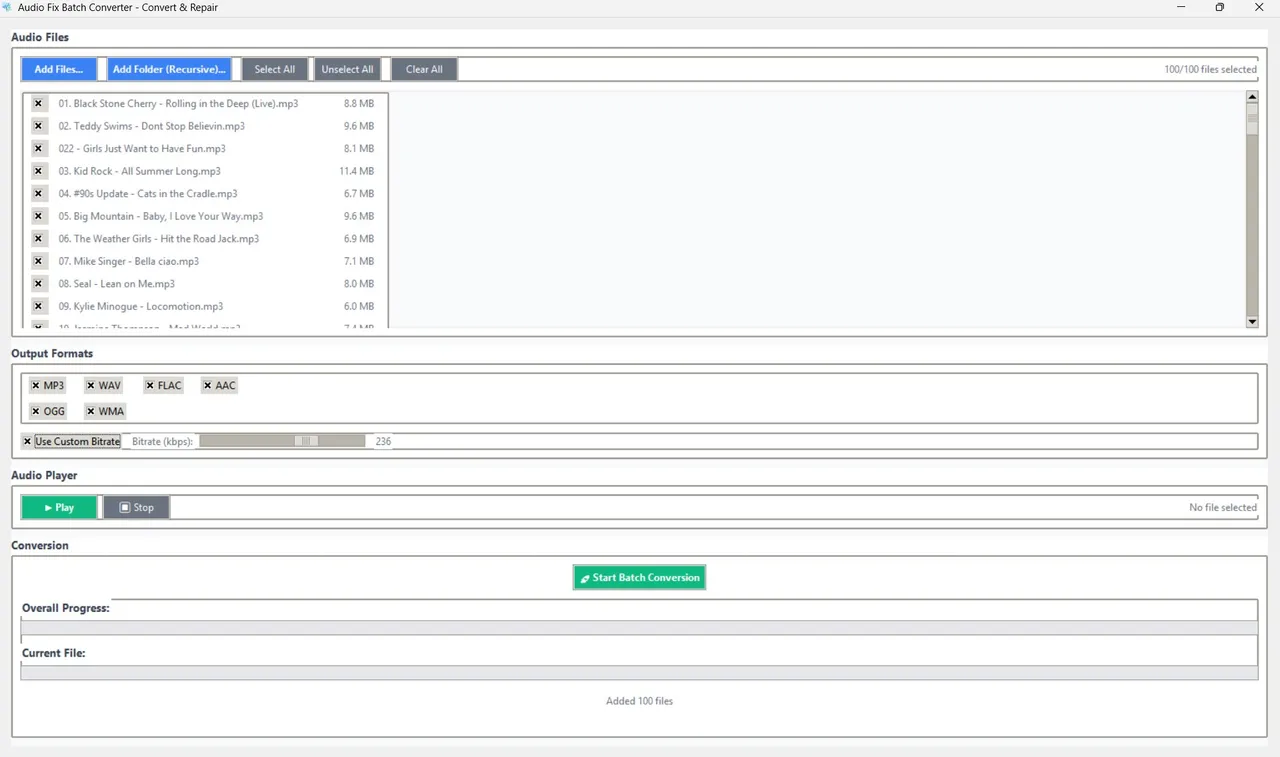
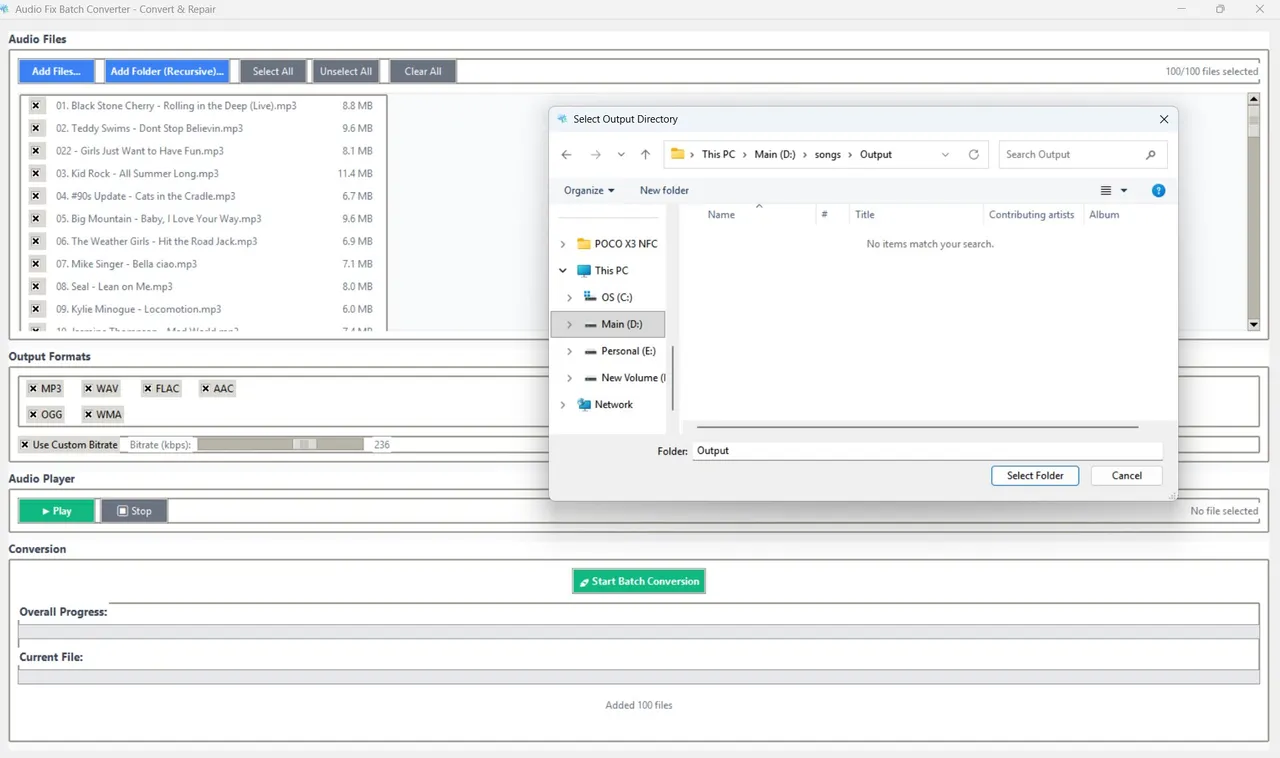
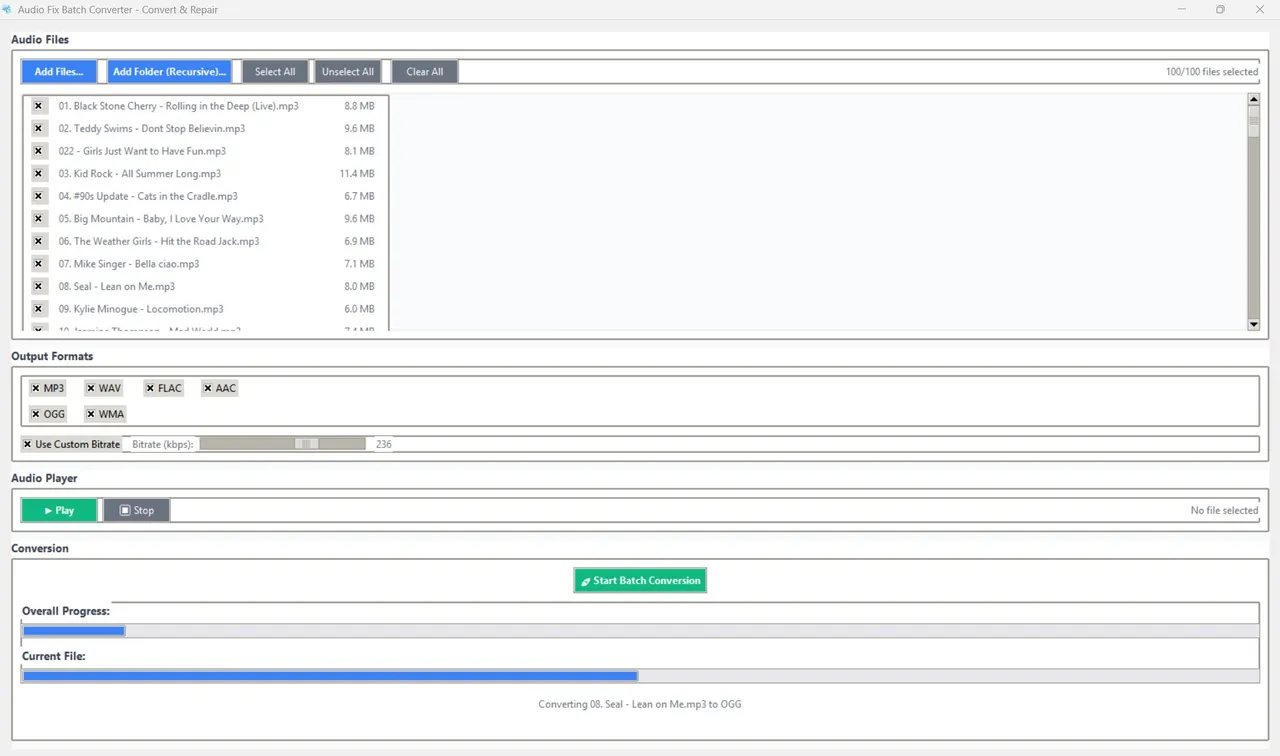
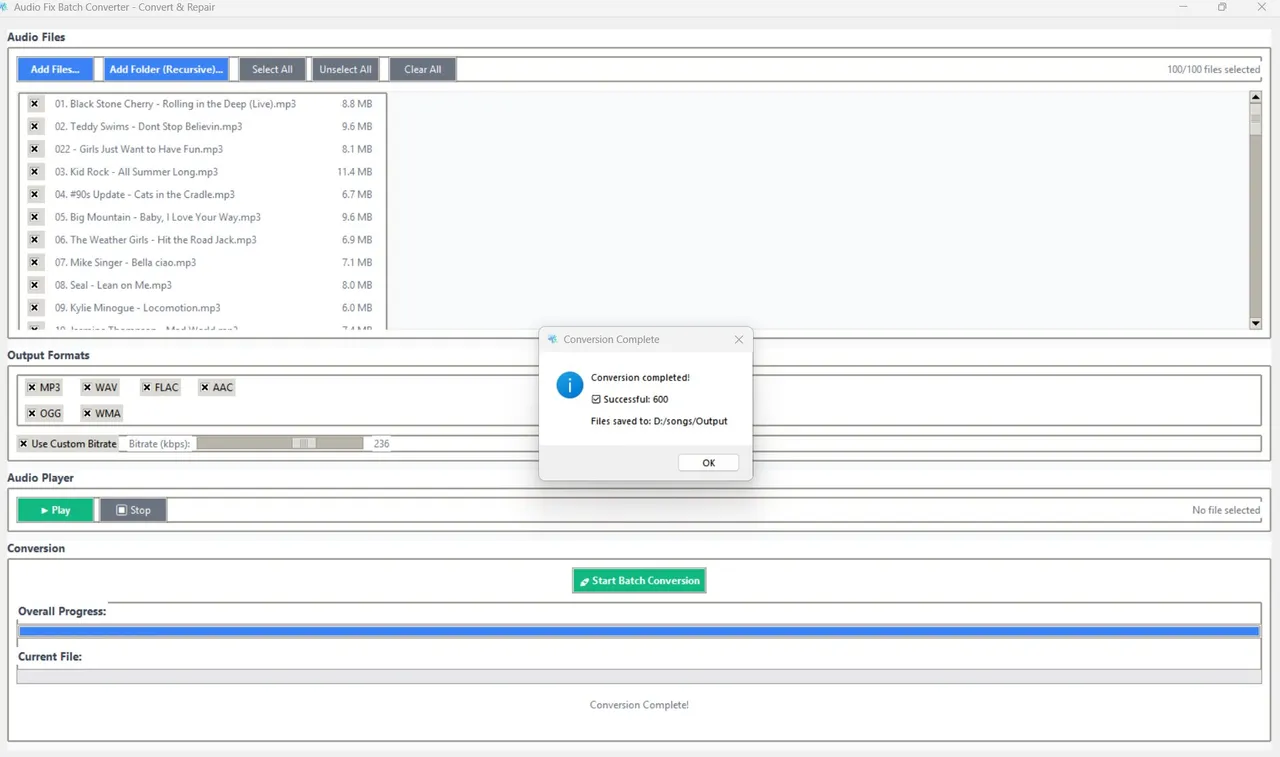
Audio Fix Batch Converter converts whole folders of audio in one run. Add files or folders (recursively), pick one or more output formats — MP3, WAV, FLAC, AAC, OGG or WMA — set a bitrate between 64 and 320 kbps, and convert. A built-in player lets you preview files first, and the FFmpeg-powered engine keeps quality intact.
Highlights
- MP3, WAV, FLAC, AAC, OGG and WMA
- Convert to several formats in one pass
- 64–320 kbps bitrate control
- Add whole folders recursively
- Built-in preview player
- Powered by FFmpeg, runs offline
Watch it in action
Screenshots
More audio, video & voice
- Windows
Whispering Notes AI
Transcribe audio and video to text offline with Whisper — 90+ languages.
Microsoft StoreView app - Windows
Subtitle Studio AI
Generate, edit, style and burn in subtitles offline — SRT, VTT, ASS.
Microsoft StoreView app - Windows

Story Narrator AI
Offline text-to-speech with natural AI voices, ambience and audio export.
Microsoft StoreView app