Windows app · Documents & labels
Barcode Label Maker
Print barcode and QR labels from Excel or CSV on sheets or thermal rolls.
About Barcode Label Maker
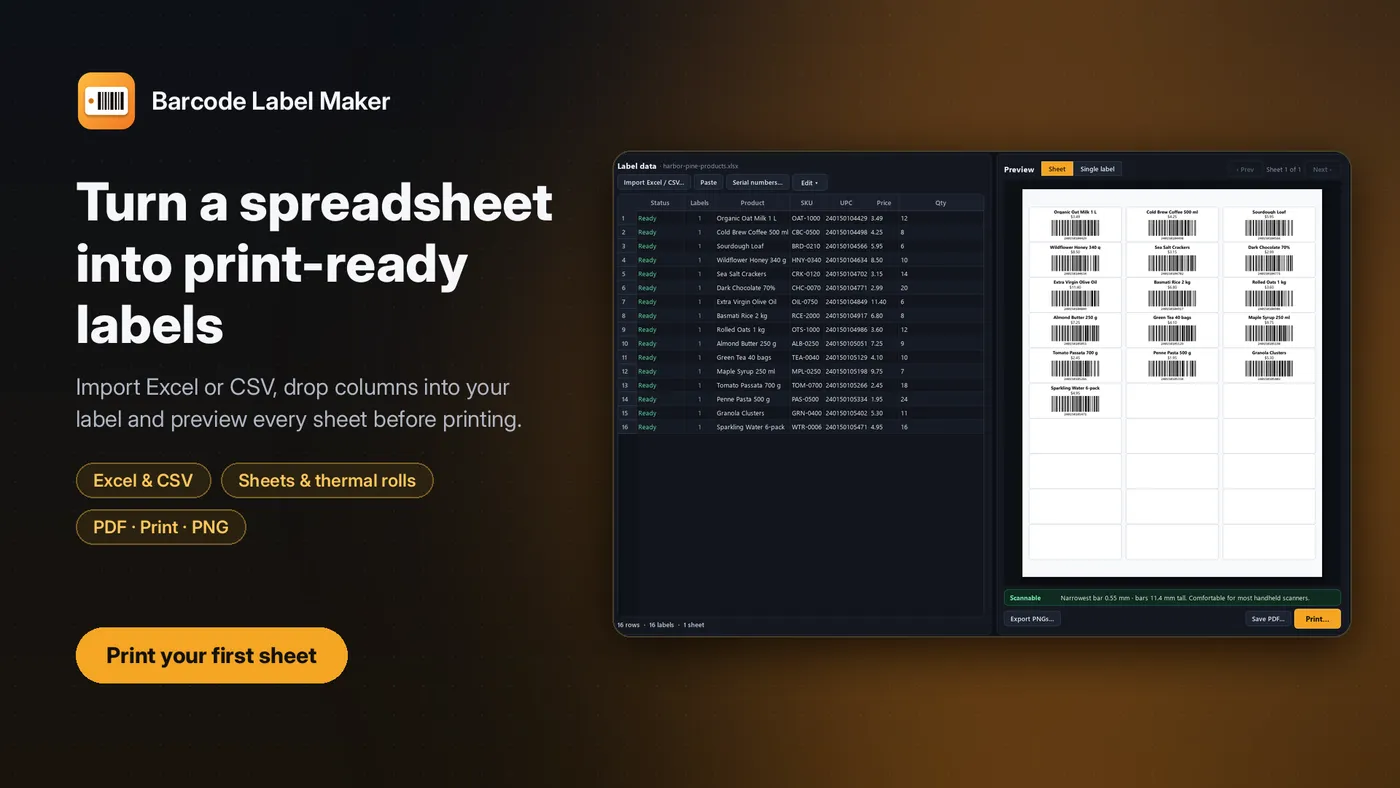
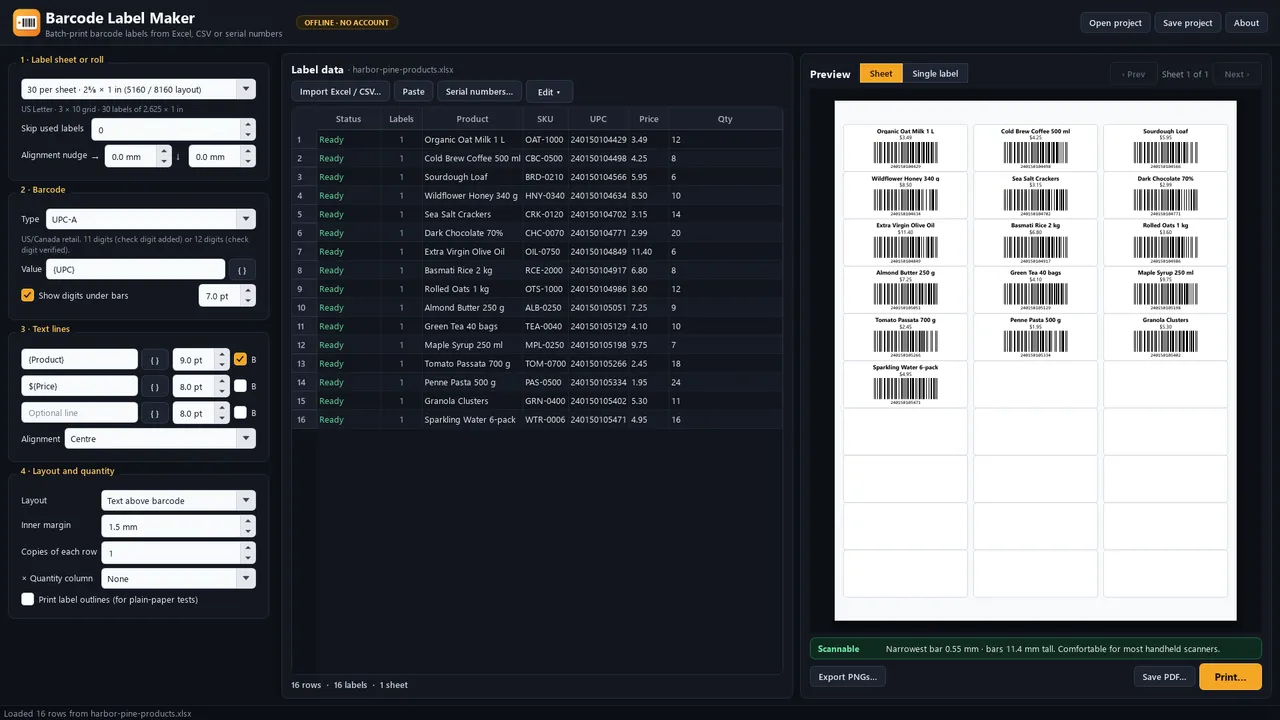
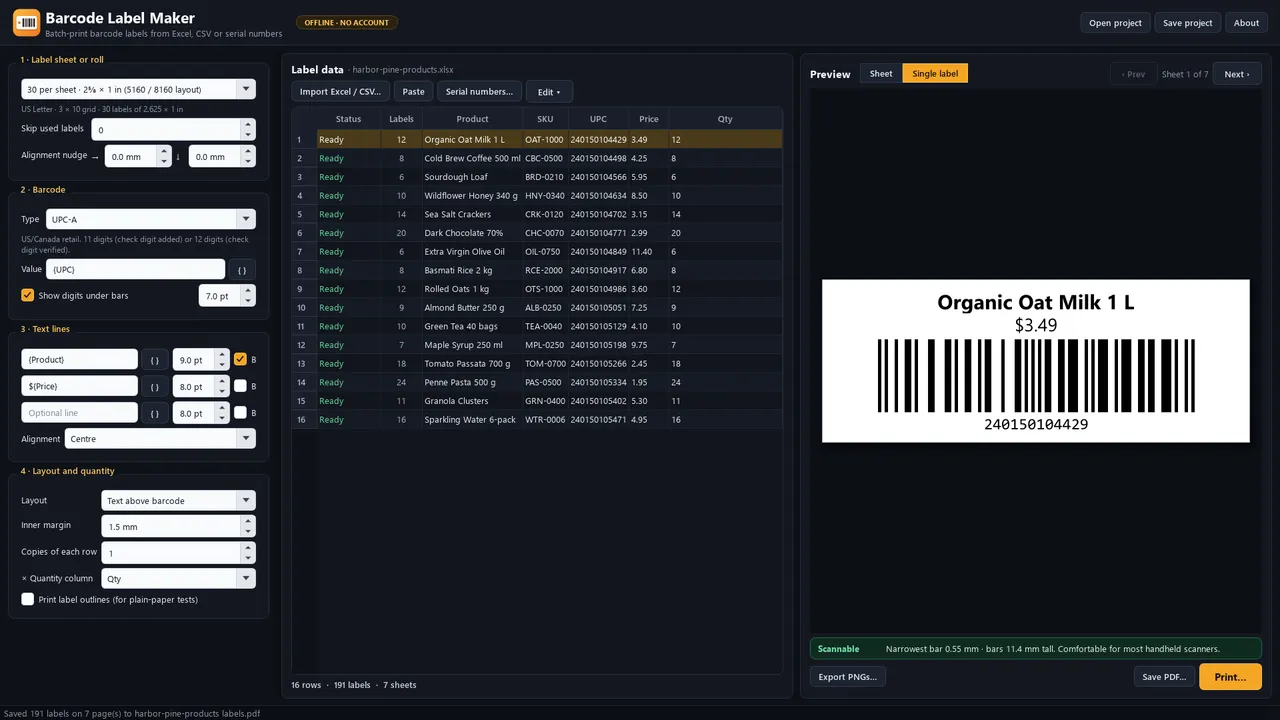
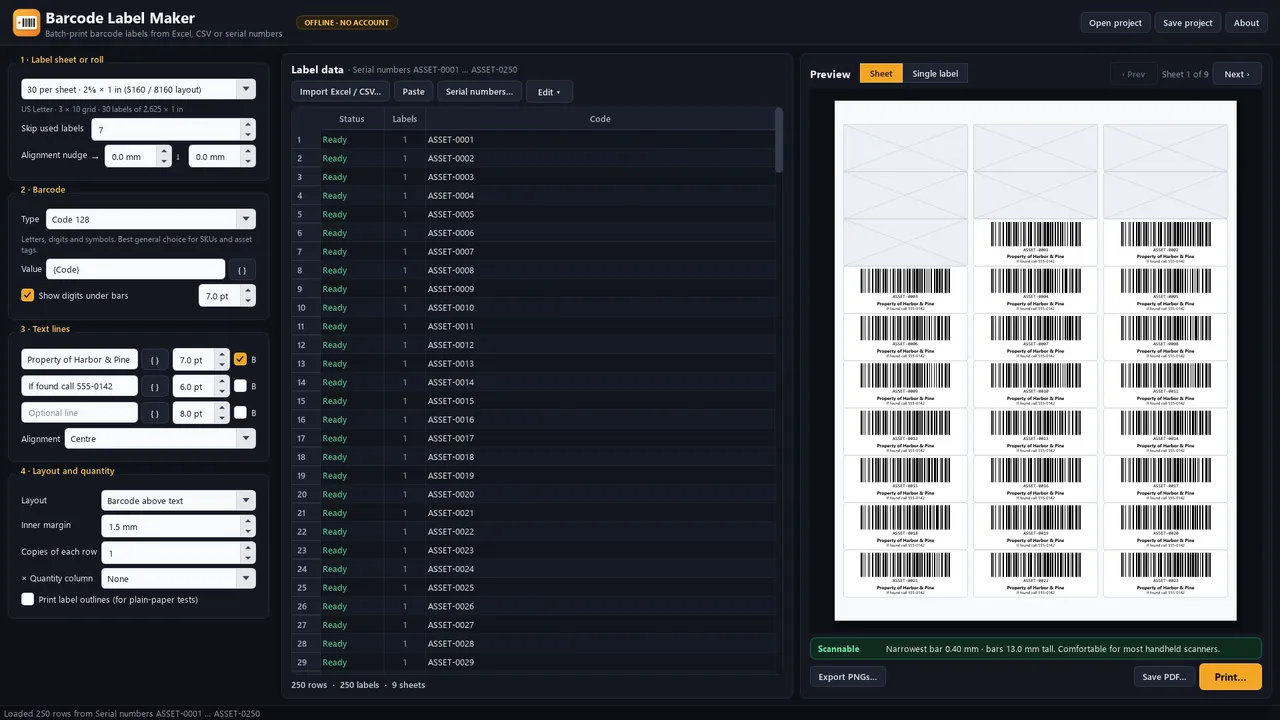
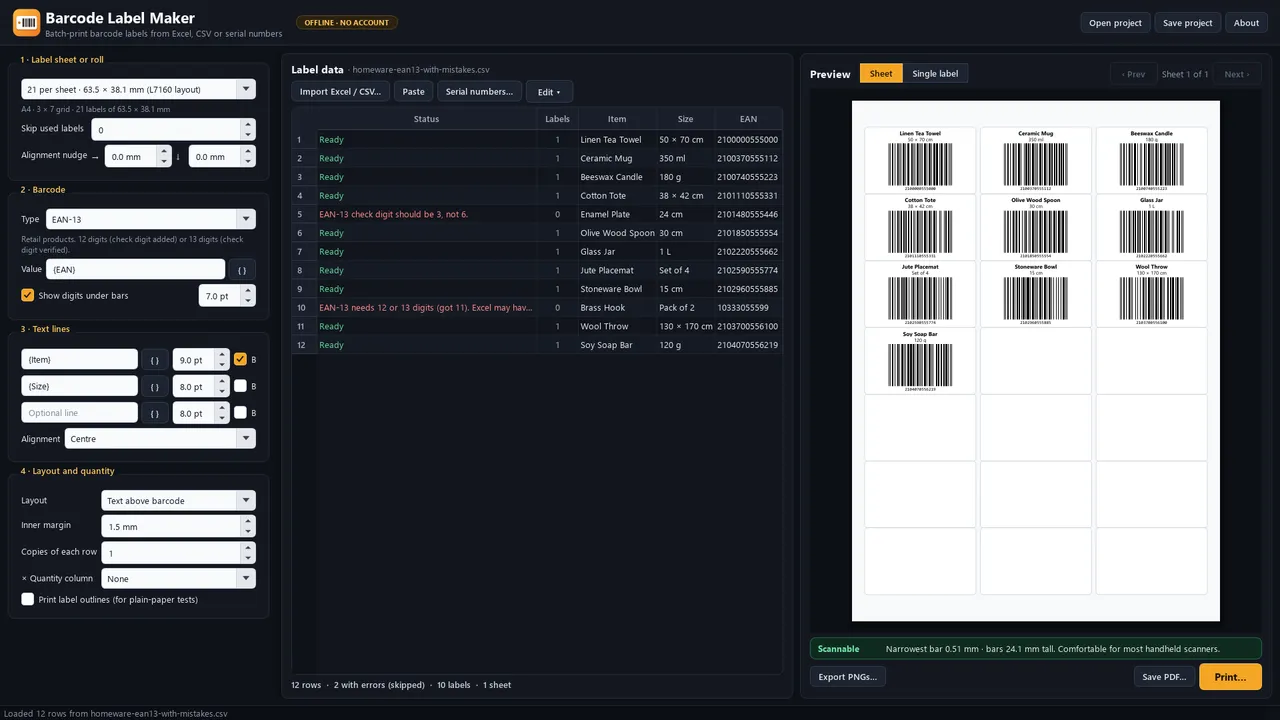
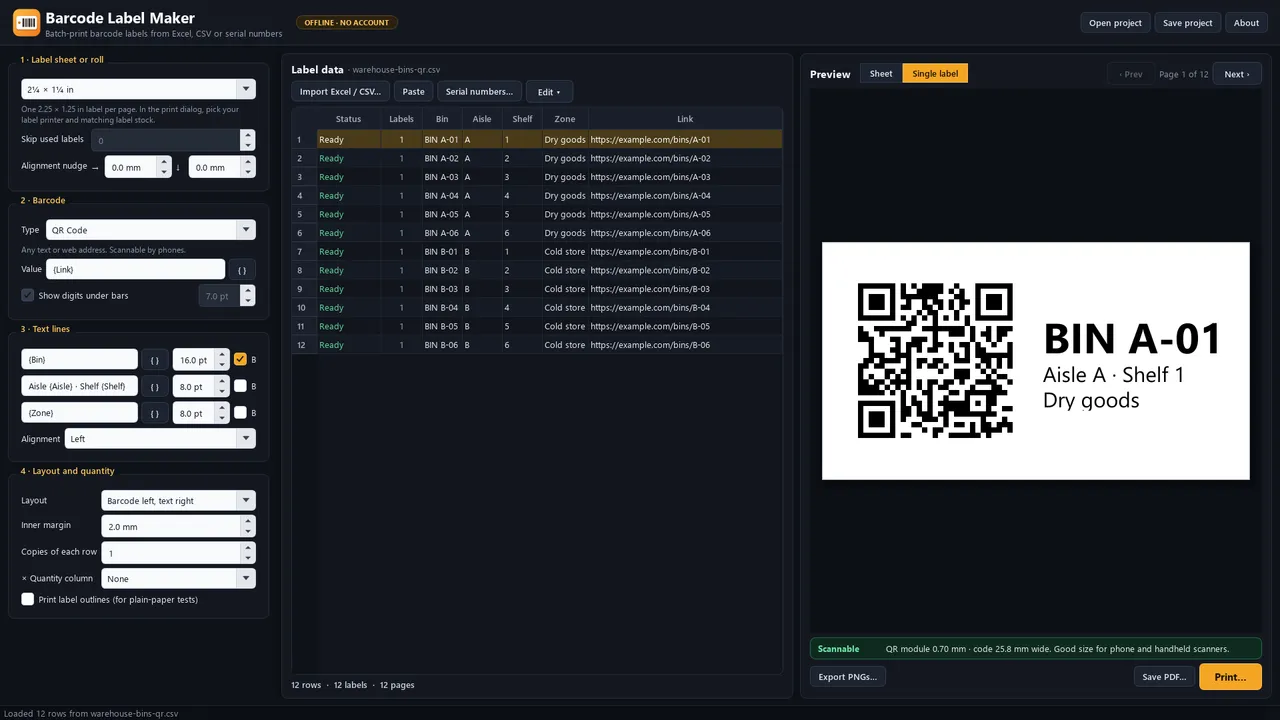
Barcode Label Maker turns a spreadsheet into print-ready barcode labels. Import an Excel workbook or CSV file, choose a label sheet or thermal roll size, place your columns on the label, and print — hundreds of labels at a time, with a live preview of every sheet. Built for small shops, warehouses, makers, schools, and offices that need product labels, shelf labels, asset tags, or inventory stickers without uploading their list to a website. Code 128, Code 39, EAN-13, UPC-A, EAN-8, ITF-14, and QR Code. Automatic check digits and row-by-row validation before printing. Print directly, save as PDF, or export 300 dpi PNGs. No account, no cloud, no ads, no telemetry. Windows 10 version 1809+ (x64).
Highlights
- Import Excel (.xlsx) and CSV, paste cells, or generate a serial-number series
- Code 128, Code 39, EAN-13, UPC-A, EAN-8, ITF-14, and QR Code
- Automatic check digits and plain-English row validation before printing
- 15 US Letter and A4 sheet layouts, 8 thermal/roll sizes, plus custom sizes
- Insert spreadsheet columns into up to three text lines; live sheet preview
- Scan-size check for bar width, bar height, and QR module size
- Quantity column, copies per row, skip used labels, alignment nudge
- Print, save PDF, or export PNGs — offline, no account, no cloud upload
Screenshots
More documents & labels
- Windows
Private OCR Studio
Turn scans into searchable PDFs, Word and CSV — OCR that never uploads.
Microsoft StoreView app - Windows

Barcode & QR Code Generator
Offline QR codes and barcodes — CODE128, EAN-13, UPC, ISBN — saved as PNG.
Microsoft StoreView app