
Windows app · Files & PC
ClassicPad Editor
A fast, private Notepad alternative for text, JSON, CSV, Markdown and logs.
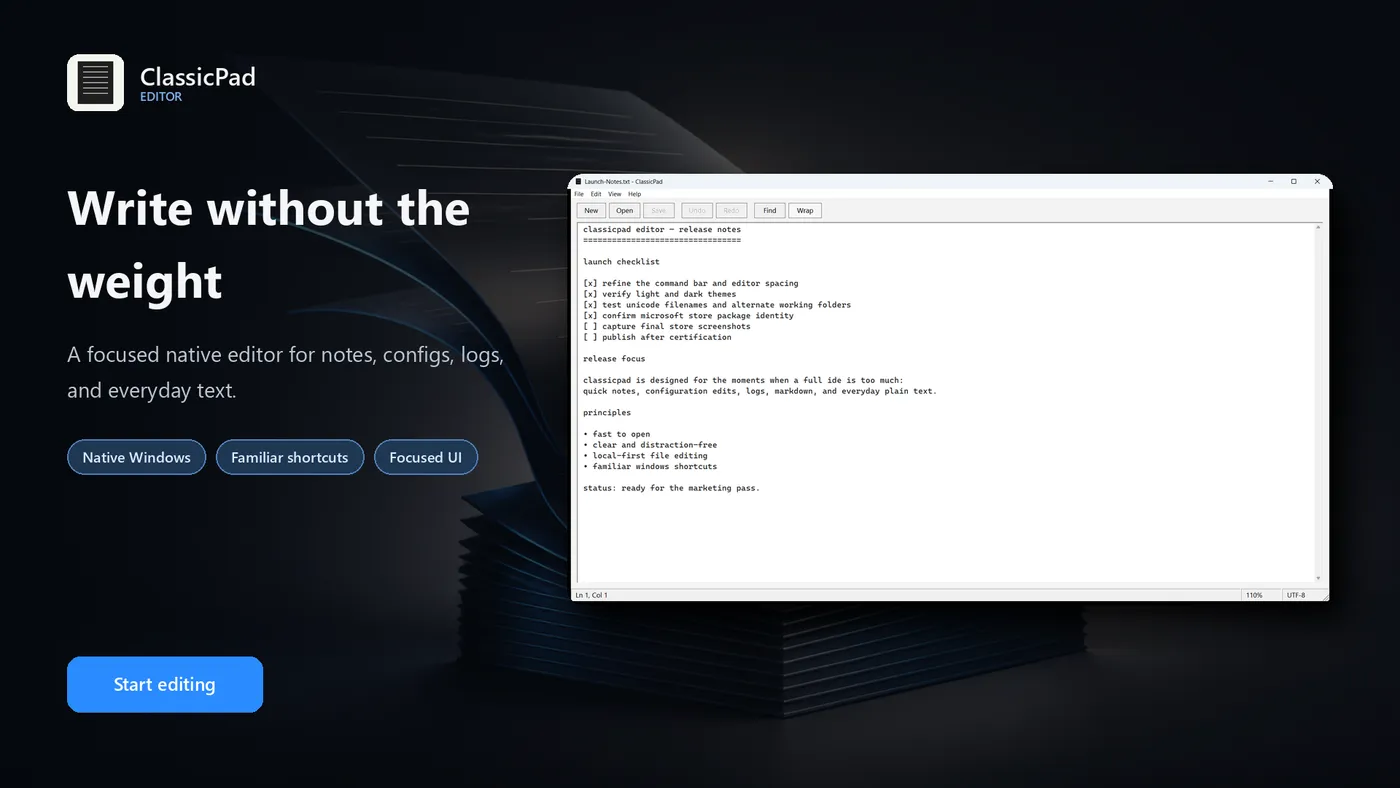
About ClassicPad Editor
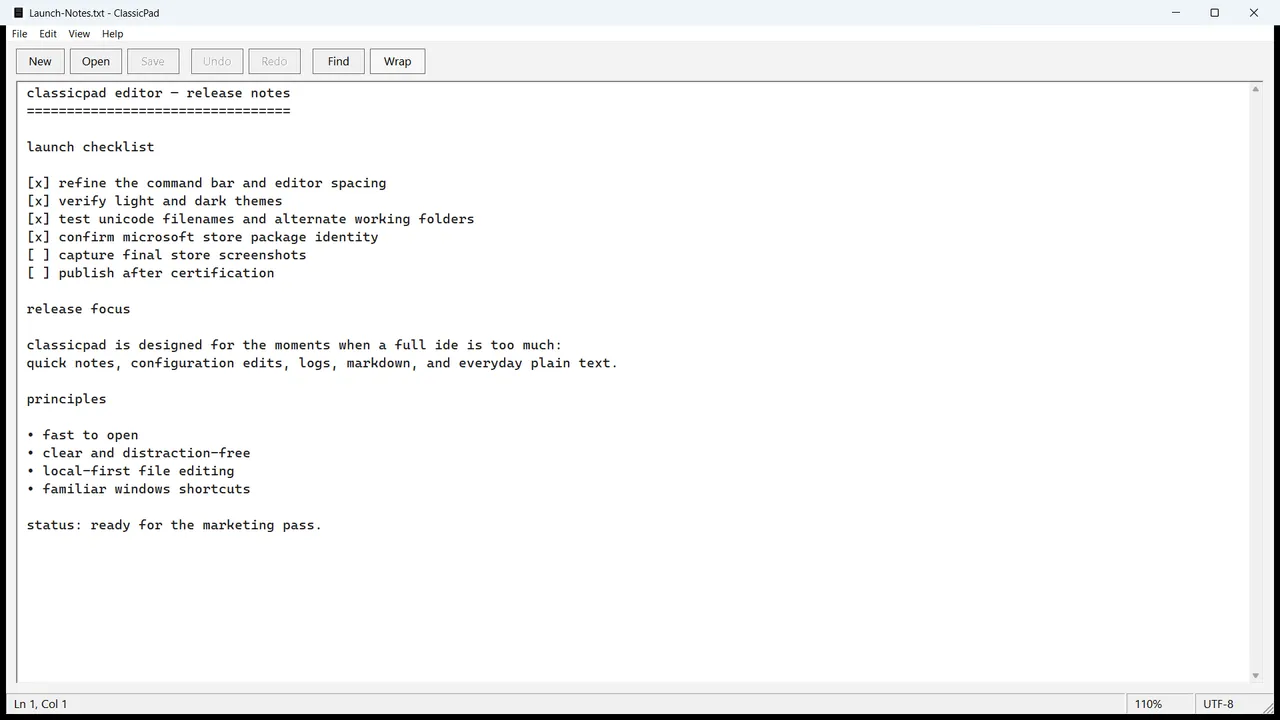
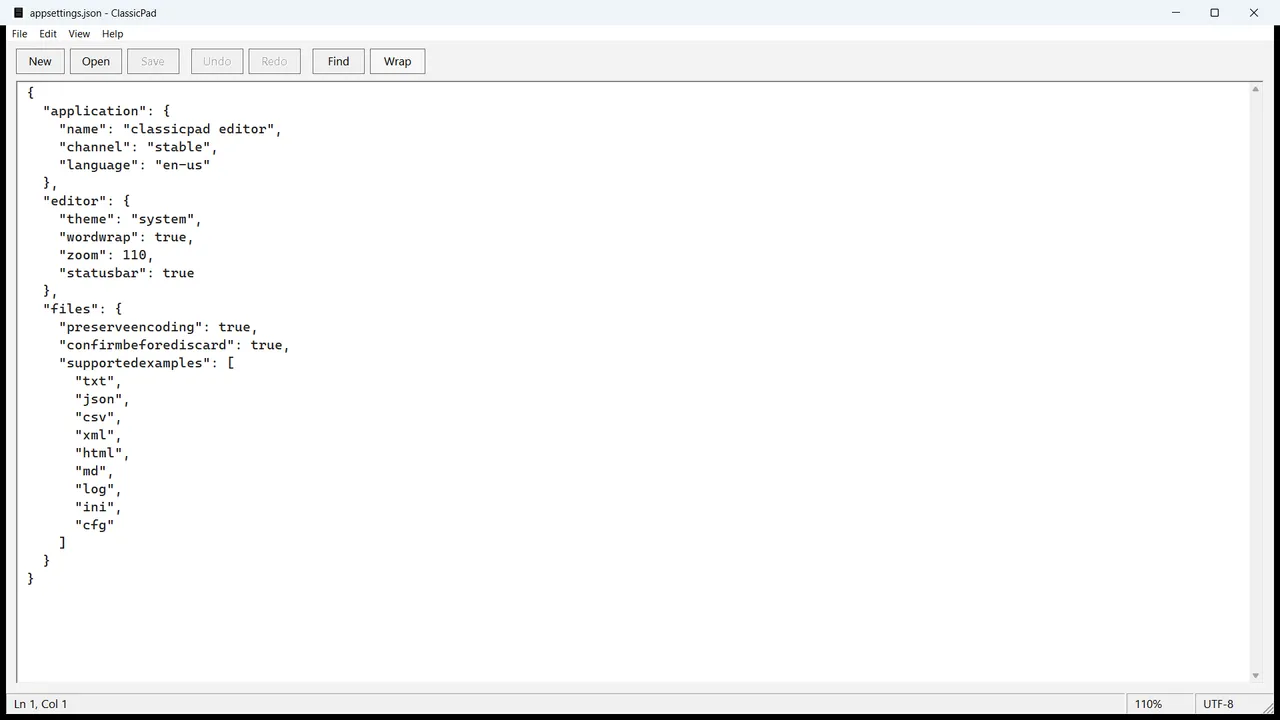
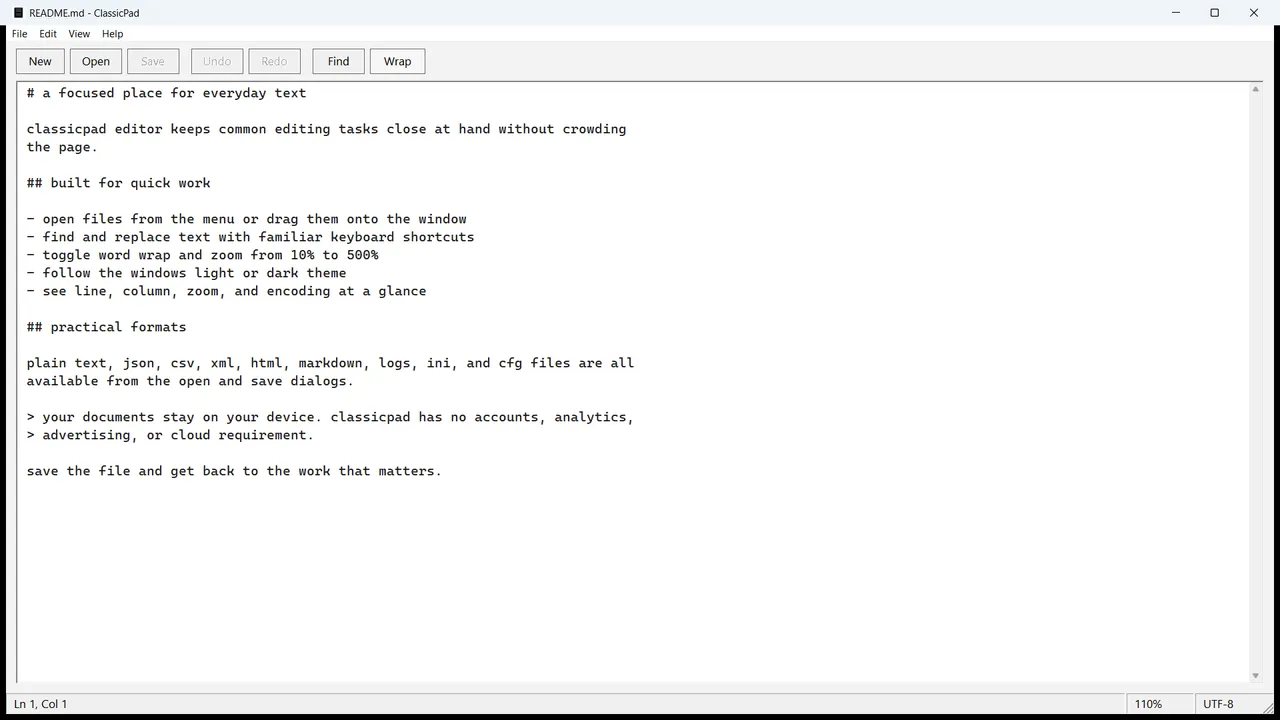
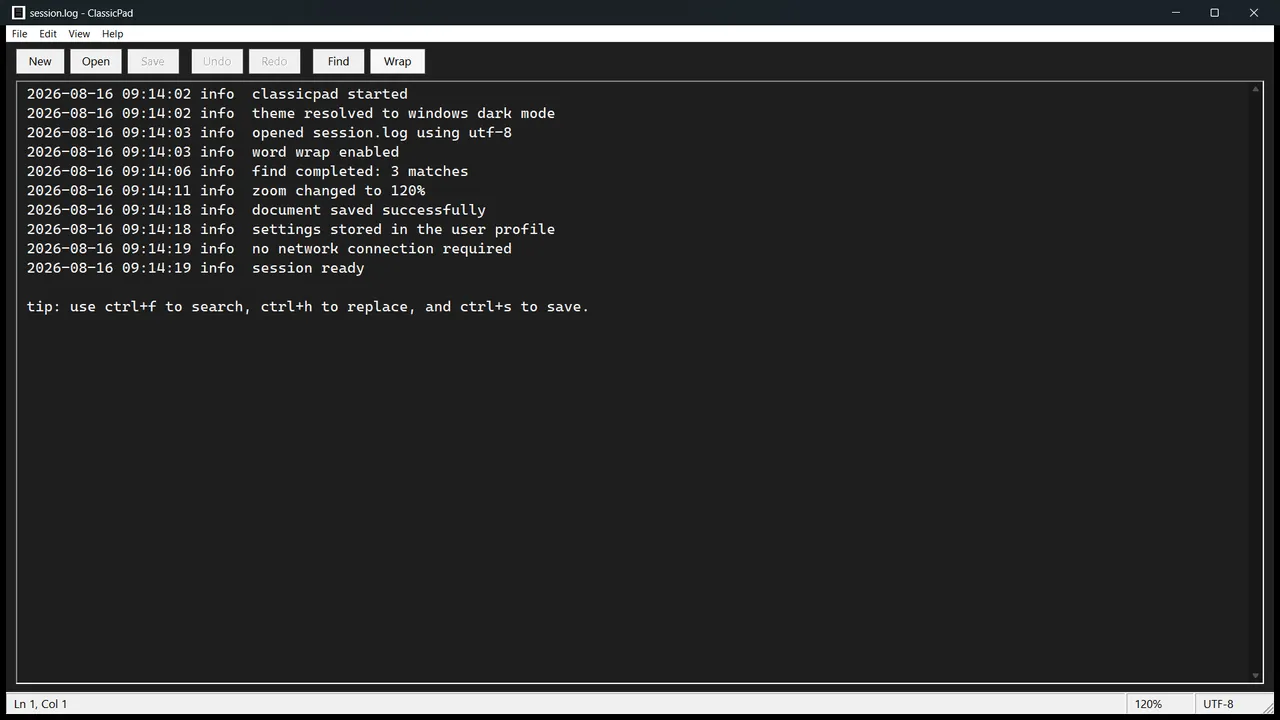
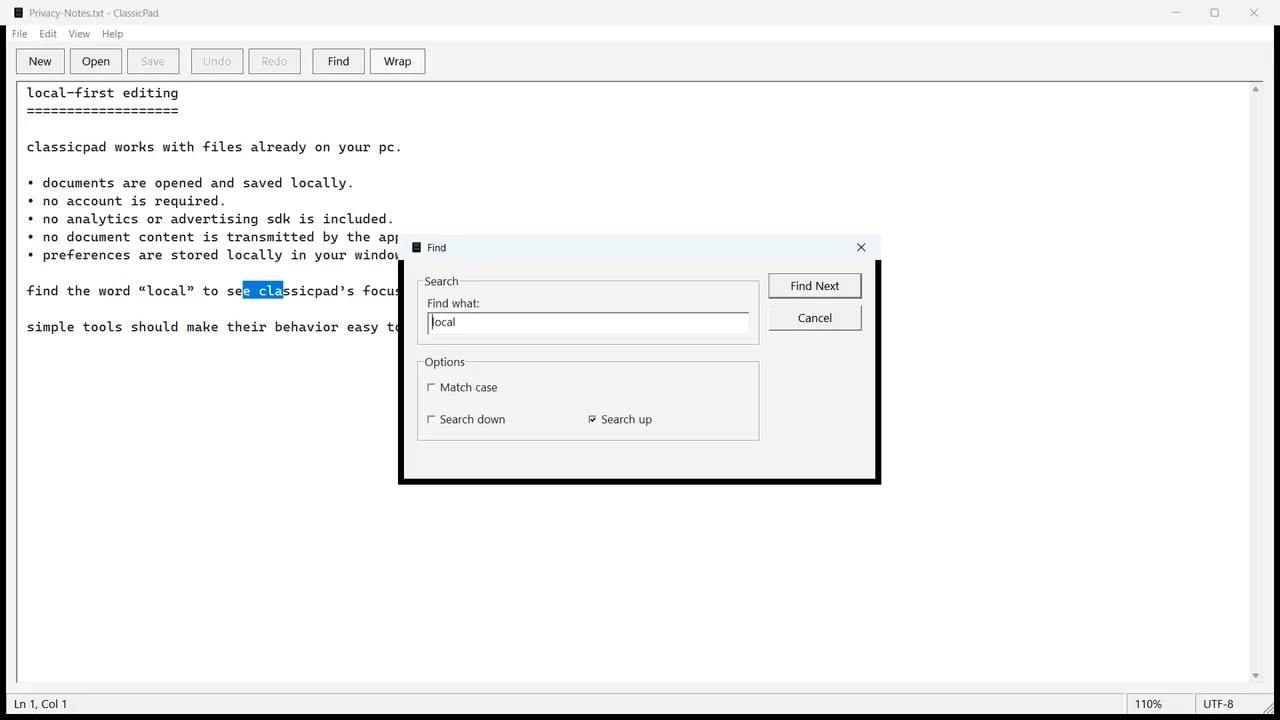
ClassicPad Editor gives you a clean, familiar place to open, edit, search, and save everyday text files without the weight of a full development environment. It launches as a native Windows application and keeps the document at the center of the experience. Work with plain text, JSON, CSV, XML, HTML, Markdown, log, INI, and CFG files. Open a document from the menu, pass it to ClassicPad from Windows, or drag it onto the editor. Find and replace text with familiar shortcuts, toggle word wrap, and zoom from 10% to 500%. ClassicPad follows your Windows light or dark preference, remembers your view and window settings, and shows line, column, zoom, and text encoding in the status bar. UTF-8, UTF-8 with BOM, UTF-16 little-endian, UTF-16 big-endian, and Windows ANSI text are detected and handled locally. There are no accounts, advertisements, analytics, or cloud services. Your documents stay on your device unless you choose to move or share them. One-time purchase. Windows 10 version 1809+, x64.
Highlights
- Fast native Windows editing experience with a clean command bar
- Plain text, JSON, CSV, XML, HTML, Markdown, log, INI, and CFG workflows
- UTF-8, UTF-16, and Windows ANSI text support
- Find and replace with match-case and direction controls
- Word wrap and 10%–500% zoom
- Light, dark, and system theme options
- Drag-and-drop file opening; line, column, zoom, and encoding status
- Local operation with no account, analytics, ads, or cloud dependency
Screenshots
More files & pc
- Windows

DiskAtlas Pro
See what is filling your drive — treemap, largest files, duplicates, safe cleanup.
Microsoft StoreView app - Windows

Duplicate File Finder & Photo Cleaner
Find exact duplicates and similar-looking photos; remove safely to the Recycle Bin.
Microsoft StoreView app - Windows

Bulk File Renamer
Rename hundreds of files with live preview and full undo — photos by date taken.
Microsoft StoreView app