Windows app · Files & PC
Share Files PC
Send files between PC and any phone over Wi-Fi — scan a QR code, nothing to install.
About Share Files PC
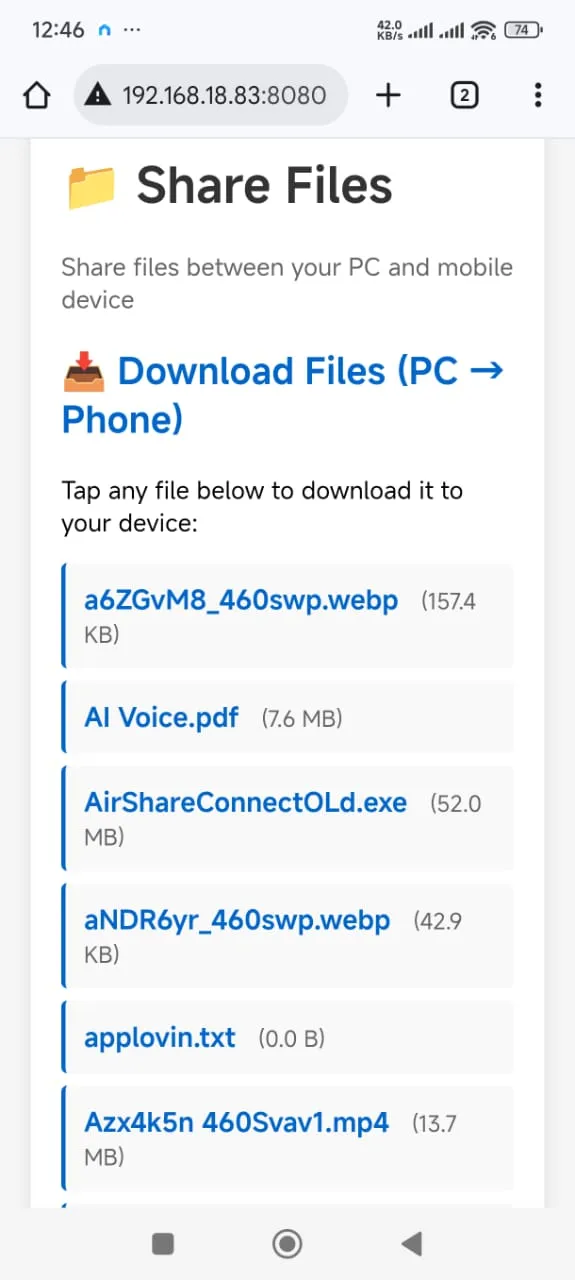
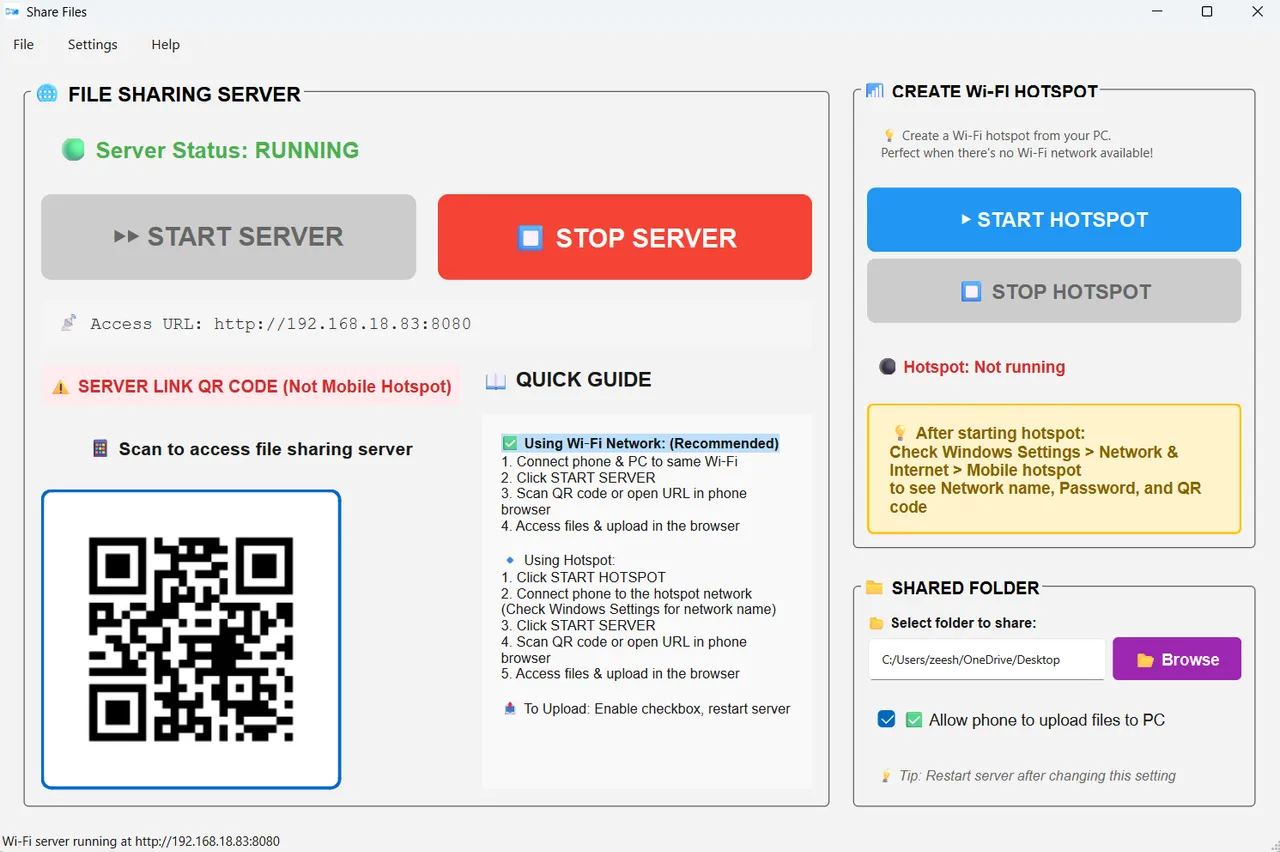
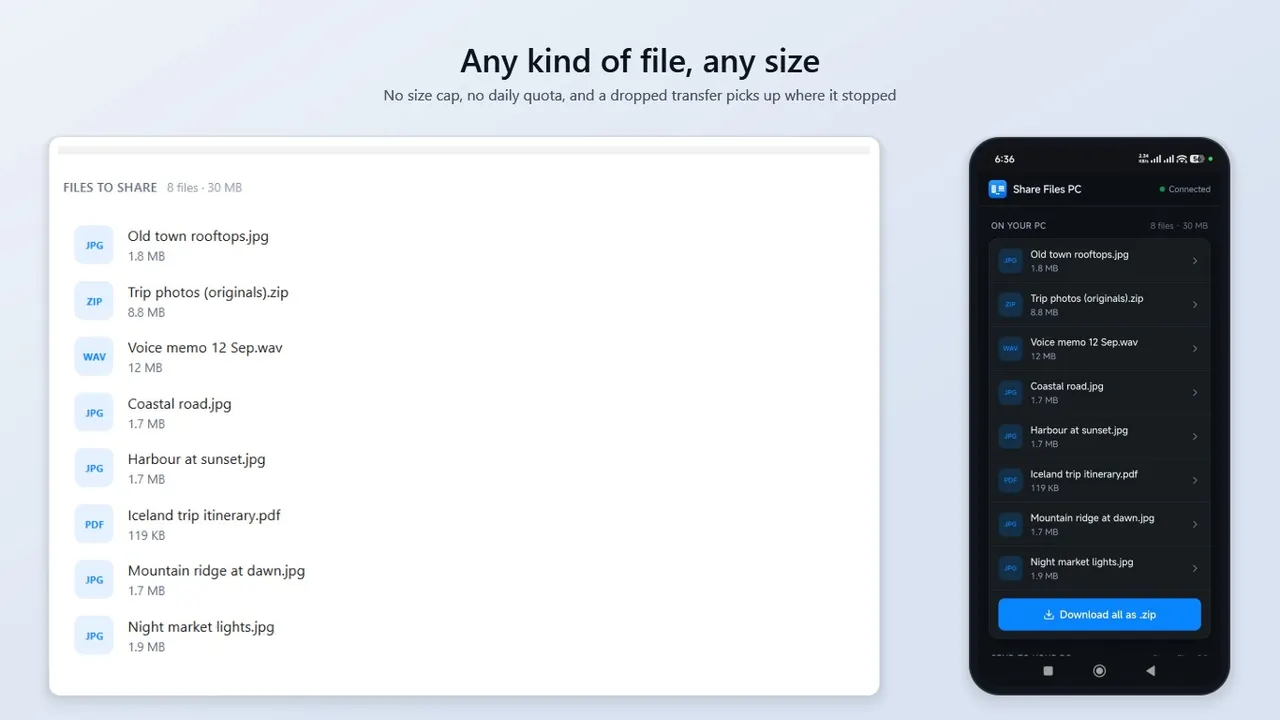
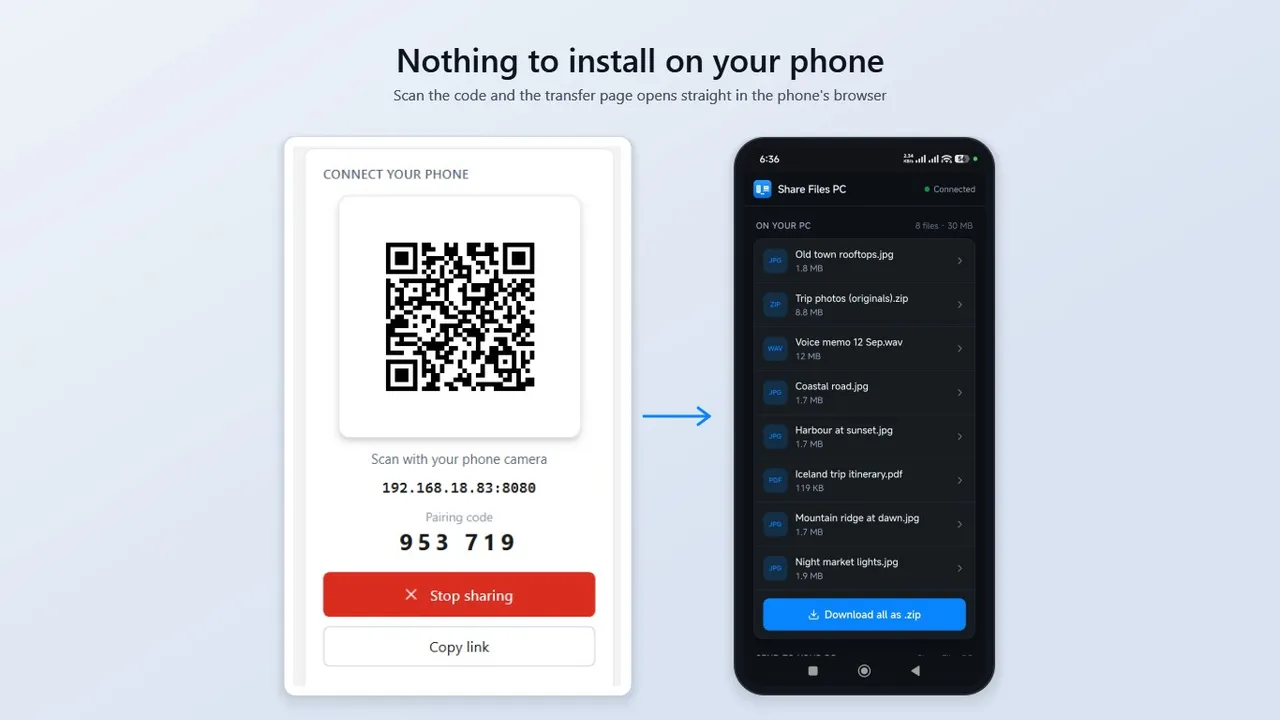
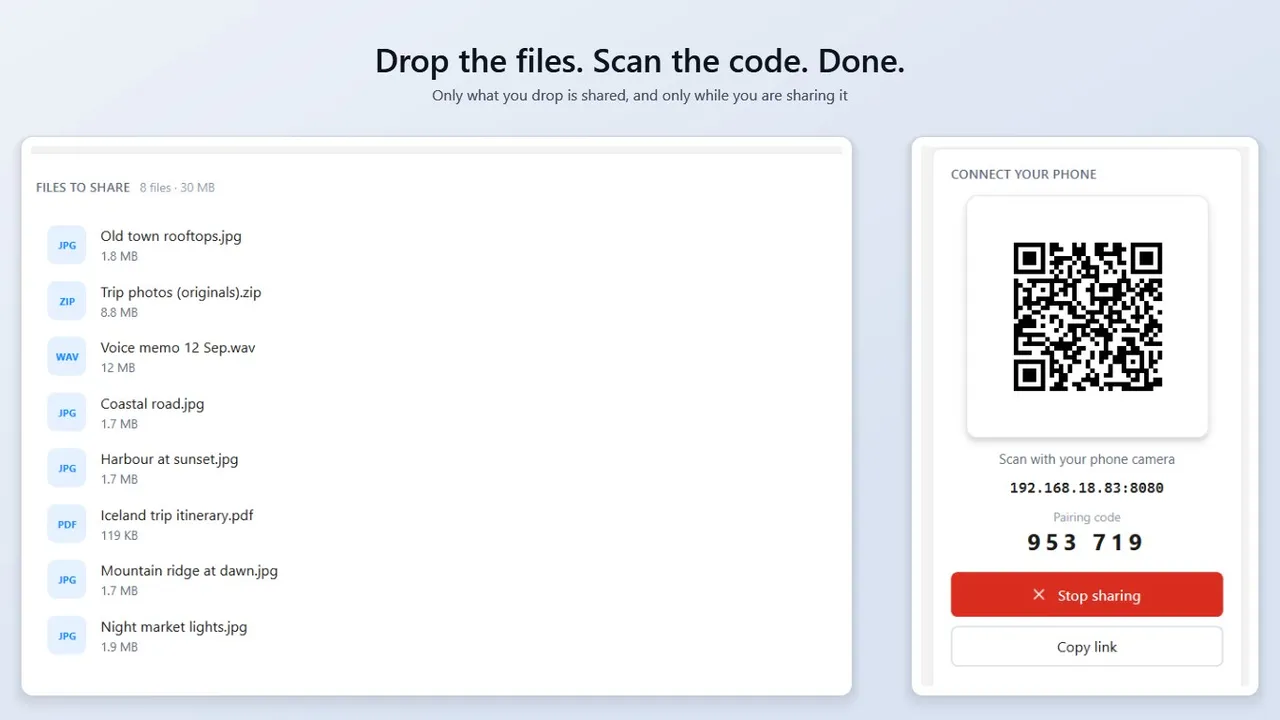
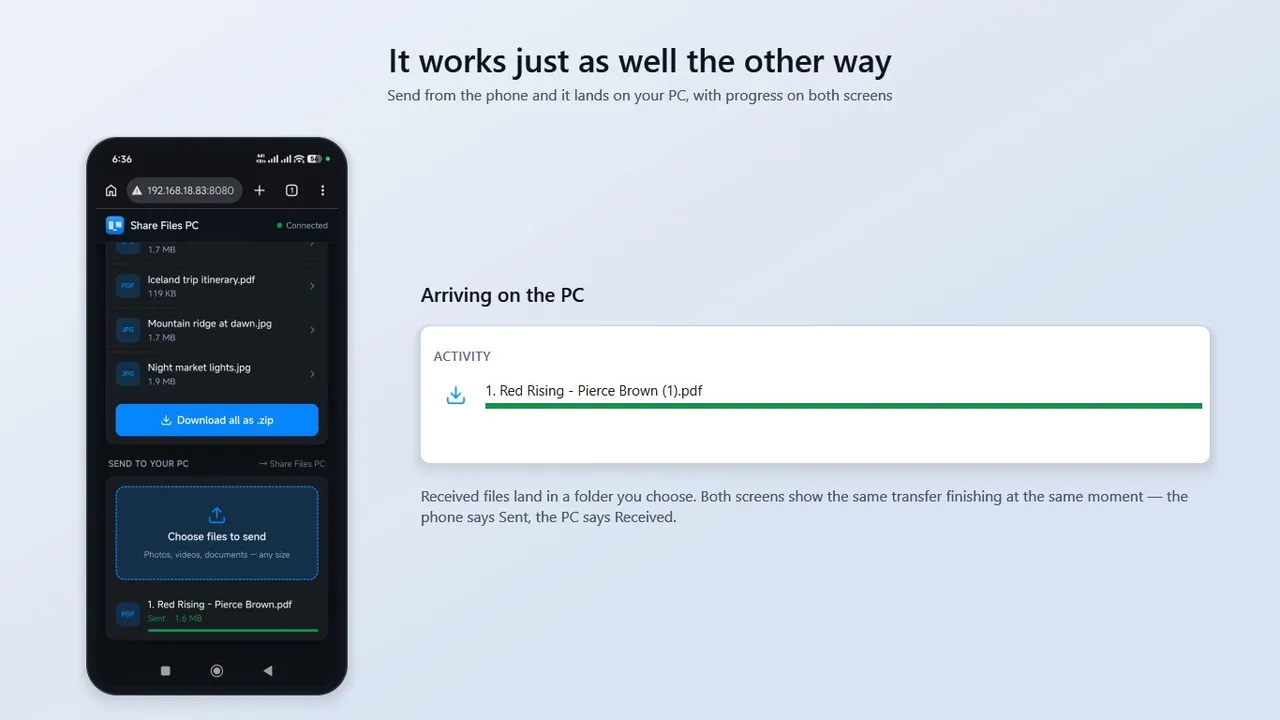
Share Files PC moves files between your computer and your phone over your own Wi-Fi. Drag files onto the window, scan the QR code with your phone's camera, and the transfer page opens straight in the phone's browser — there is nothing to install on the phone. It works with iPhone, Android, tablets and other PCs, has no file-size limit, and never uploads anything to the cloud. Sending from the phone back to the PC is just as direct.
Highlights
- Nothing to install on the phone — any modern browser works
- iPhone, iPad, Android and other PCs
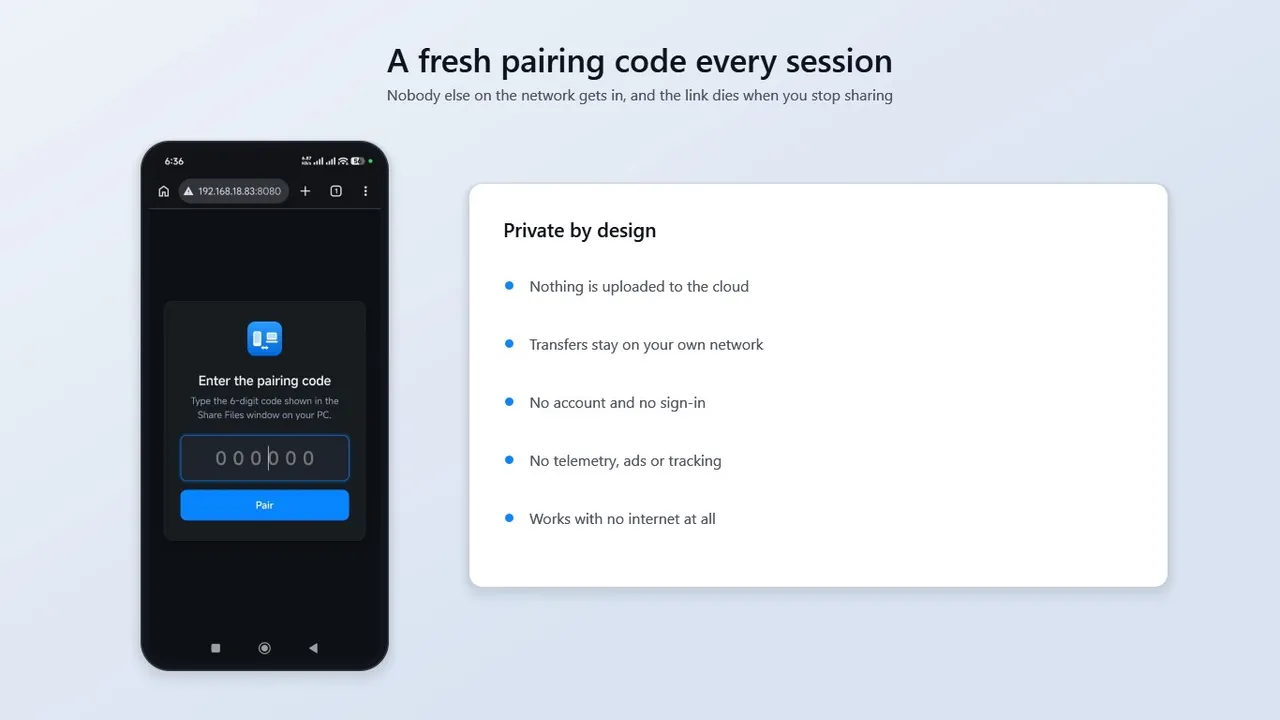
- No account, no cloud, no subscription
- No file-size limit or daily quota
- Send phone → PC as easily as PC → phone
- Download everything as one .zip
Screenshots
More files & pc
- Windows

DiskAtlas Pro
See what is filling your drive — treemap, largest files, duplicates, safe cleanup.
Microsoft StoreView app - Windows
Duplicate File Finder & Photo Cleaner
Find exact duplicates and similar-looking photos; remove safely to the Recycle Bin.
Microsoft StoreView app - Windows
Bulk File Renamer
Rename hundreds of files with live preview and full undo — photos by date taken.
Microsoft StoreView app